
Getting Opencell version in Portal
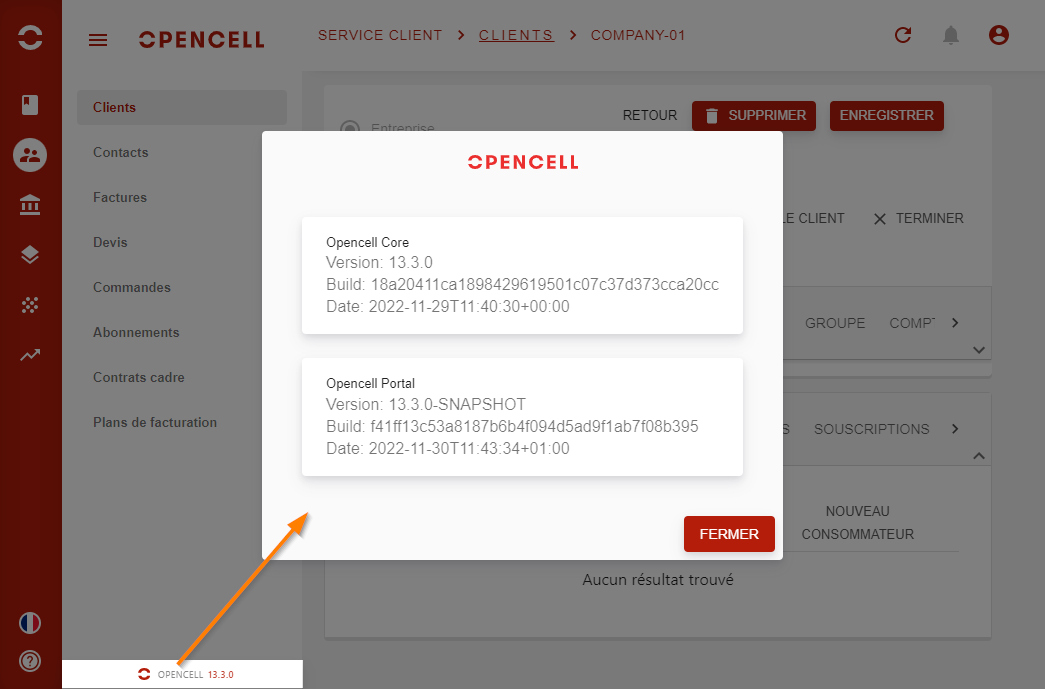
You can see your Opencell version from Portal at the bottom of the menu.
If you click on it, a popup will show to display additional version details.
This information indicate the exact build number deployed on your environment.
Very useful when you are using preview versions of Opencell (allow only during project build phase) to report an issue. → copy-paste it to your ticket.
Getting Opencell version from API
You can get Core version from API: https://my.opencell.server/opencell/api/rest/v2/version
It is a simple unsecured (no login required) GET. You can call it from your web browser:
