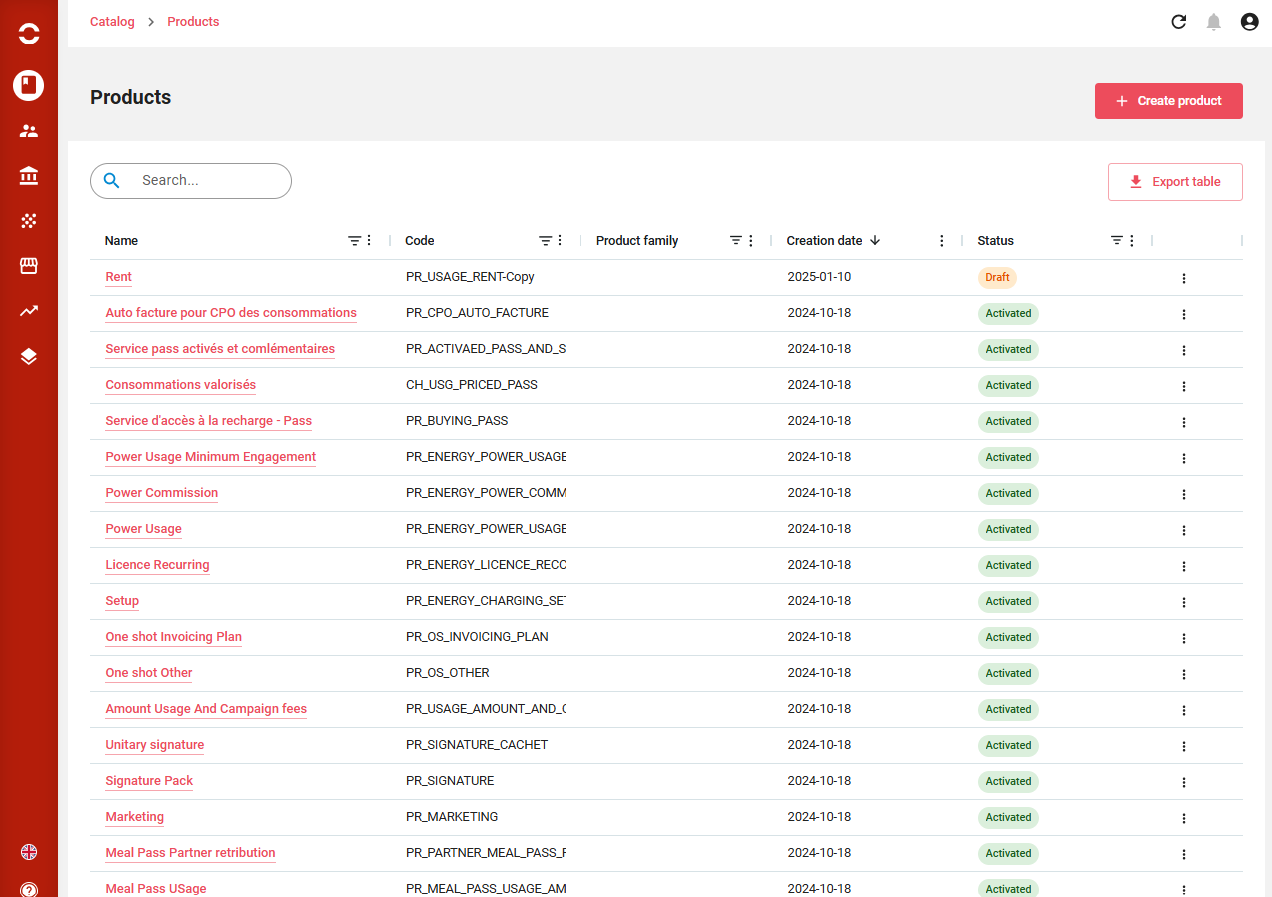
Commercial offers
Commercial offers can be displayed, sorted, filtered, columns displaced or displayed. A full text search is available on top.
From there you can:
-
Create an offer
-
Export the displayed list
-
Clicking on a line brings to the offer. End of line actions allows to Close, Disable or Export offer.
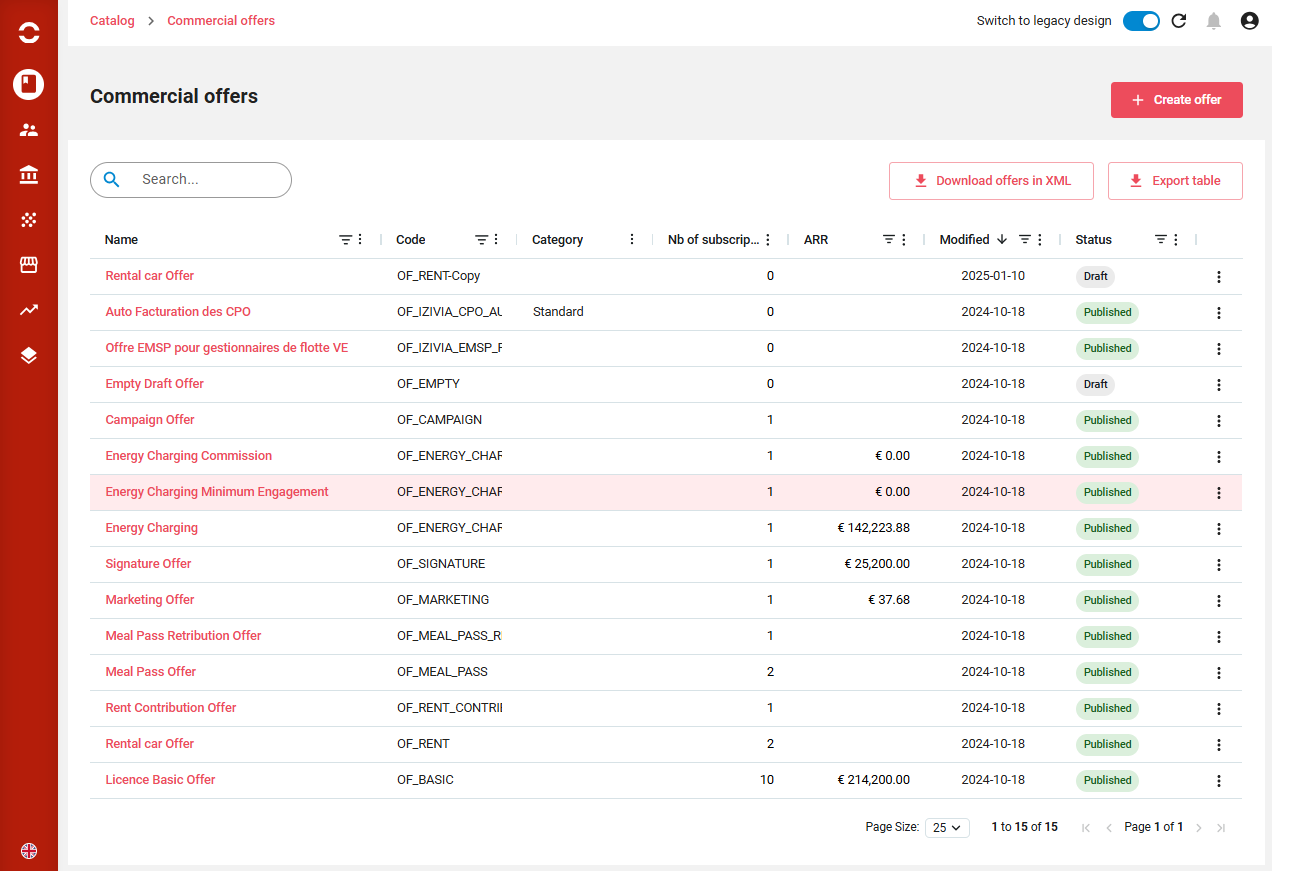
Commercial offer details
Here following the offer status, you can either:
-
Disable or publish offer
-
Duplicate, close or disable offer
Below each section can be edited through the Edit button, and saved by section afterward.
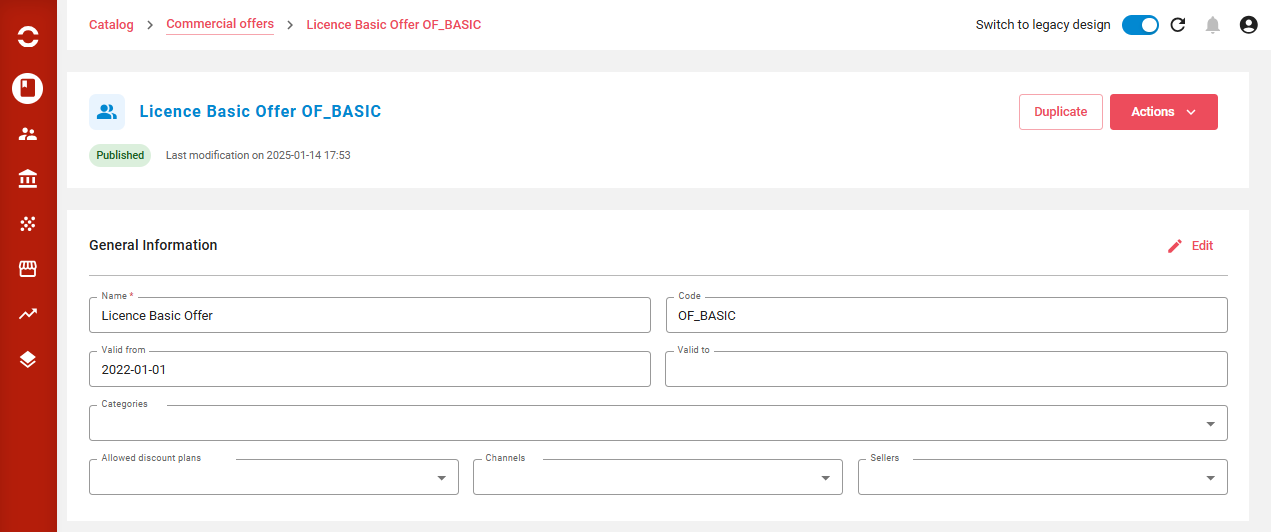

From the product part, you can:
-
Add a product if available on the offer
-
Remove aka terminate a product
-
Click on the product to see the instantiated product details
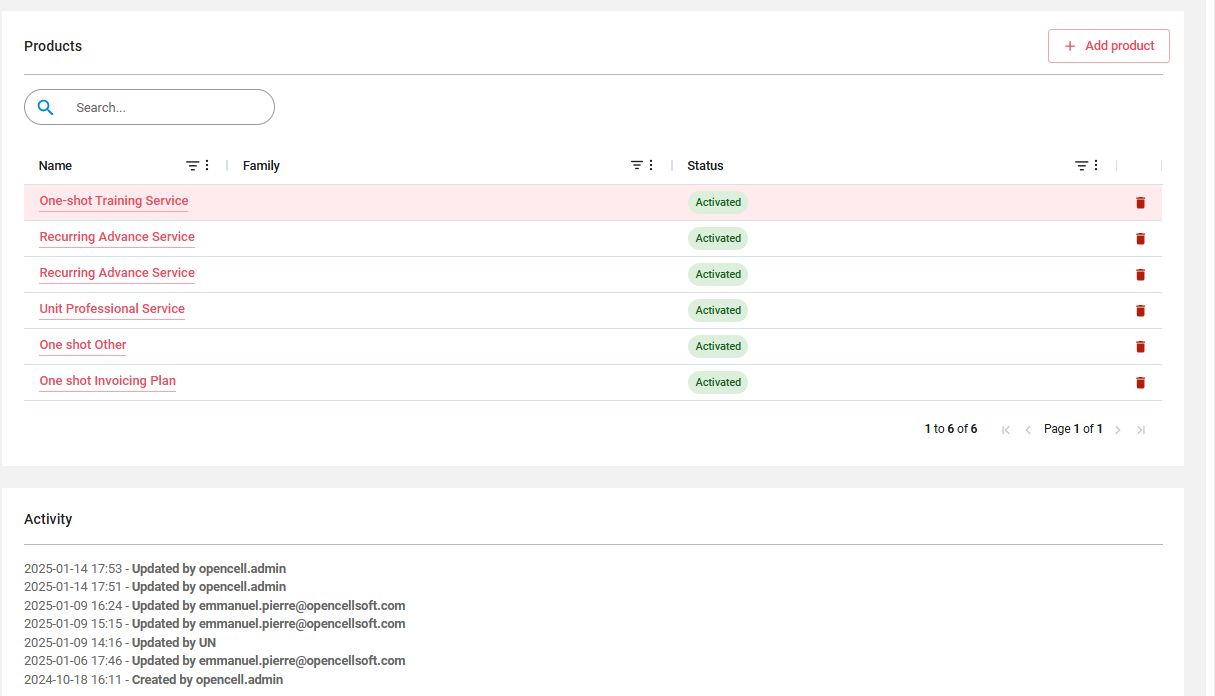
Products
Products can be displayed, sorted, filtered, columns displaced. A full text search is available on top.
From there you can:
-
Create a product
-
Export the displayed list
-
Clicking on a line brings to the product. End of line actions allows to Duplicate or Close product.