
Customizing your landing page allows you to focus more efficiently on your daily tasks. After completing previous tasks and once your configuration file is opened in your text editor tool, look for “default_app_name” :
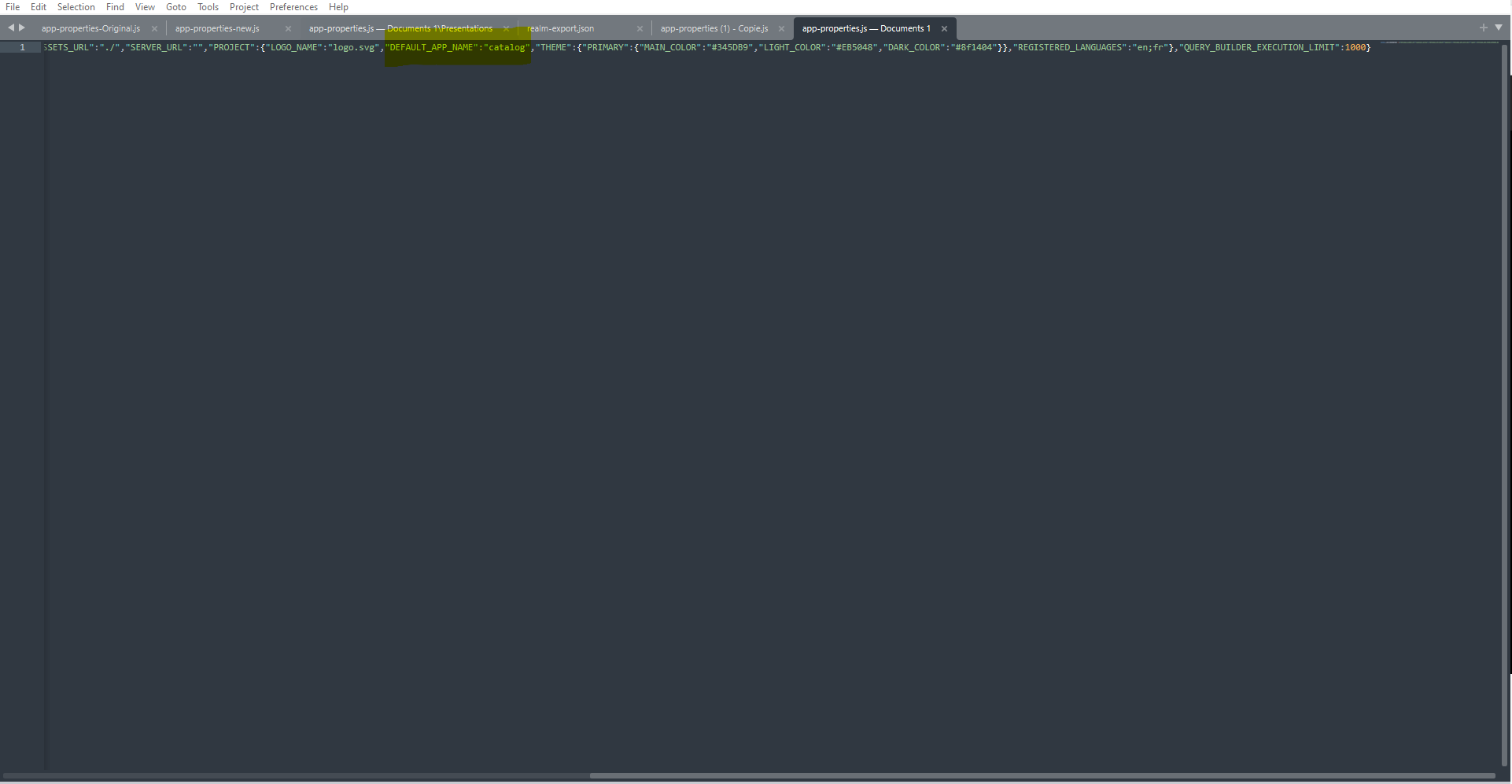
Once you’ve spotted this field, you will be able to manually change it.
As of now, you’re able to set your landing page to :
-
“Catalog”
-
“Administration”
-
“Finance”
-
“B2B-customer-care”
-
“marketing-manager”
-
“MACO”
You can find these modules in the URL of the website here :

Please note that if an user has no right or permission to access to one of this module and you set it to default landing page, he will not be able to access the website.
Once you’re done, just save the file and upload it to the file explorer and you’re all set !
… / …