
Customizing your logo allows you to personalize your experience in the system.
To change logo, you need to upload your logo in the same root as “app-properties.js”. To better results, we recommend using .svg or .png files.
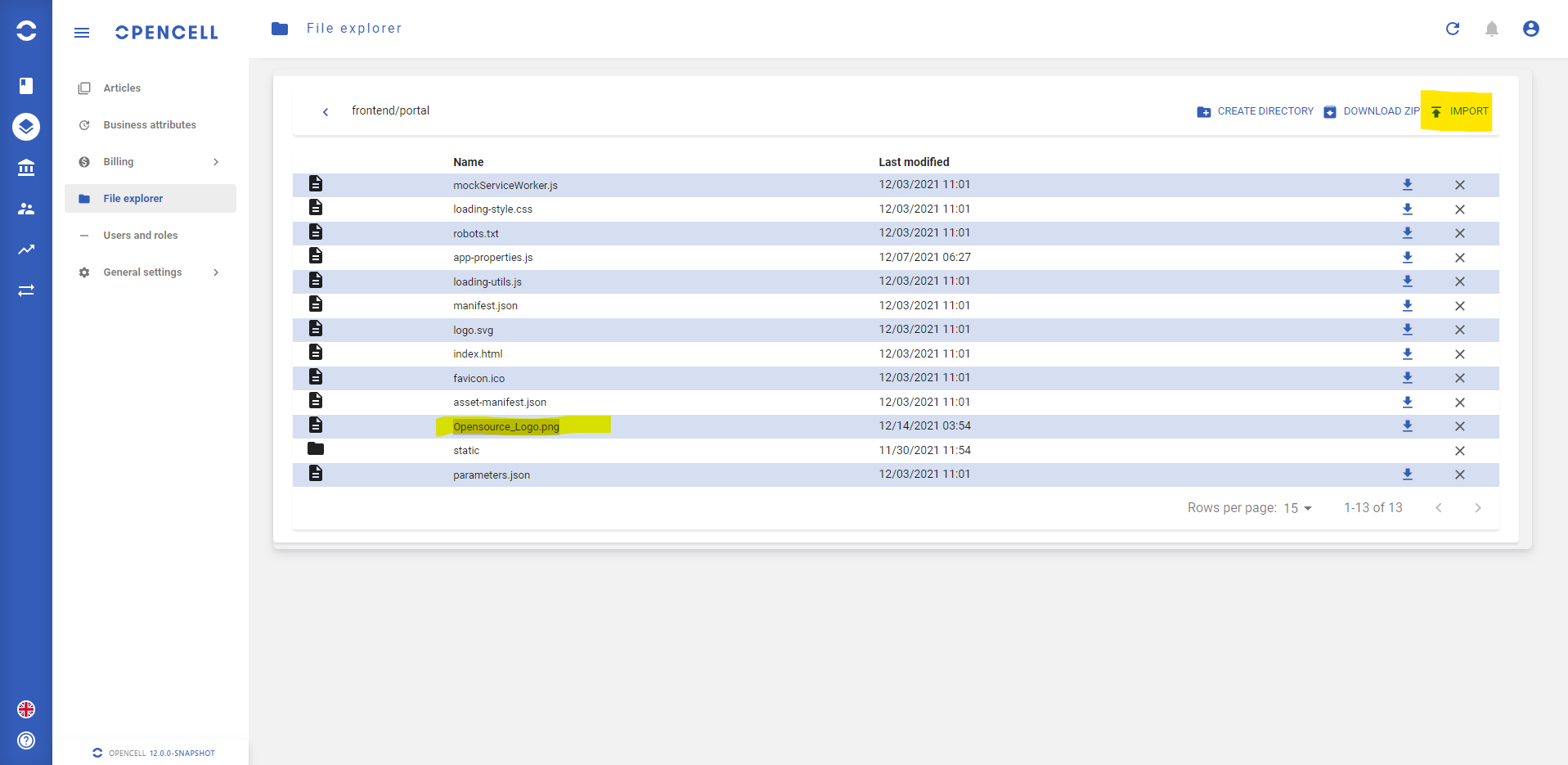
Once your file is uploaded, you’ll need to open the configuration file in your the editor tool, look for “Logo” :
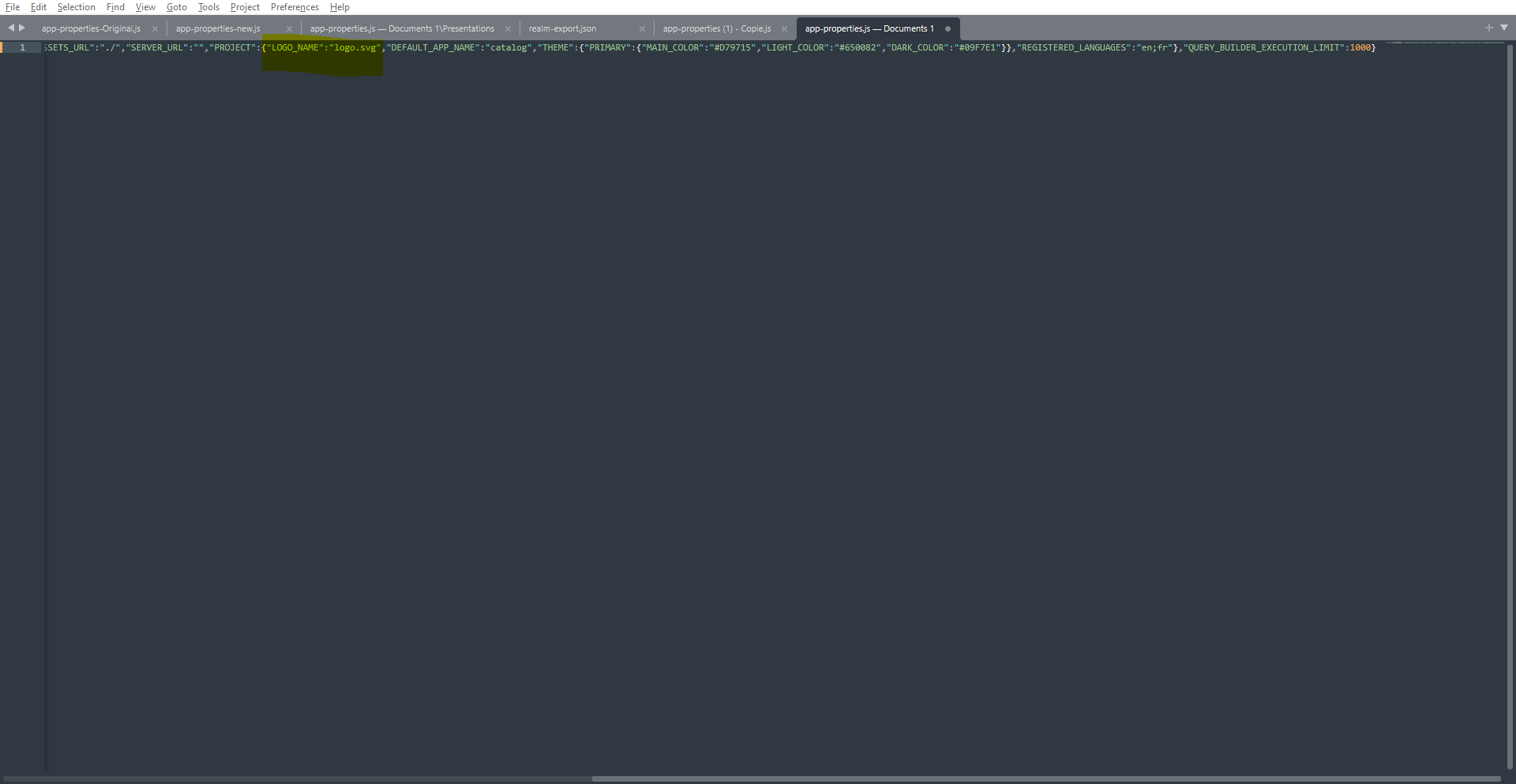
Then you will rename the field by the name of your file. For exemple, I’ll rename it by “opensource_logo.png”.
After your modifications are done, you will need to save the file with the same name “app.properties.js” and to download it in the file explorer. By doing so, it will replace the existing configuration file by the new one. After refreshing your page, modifications are applied.
See here :
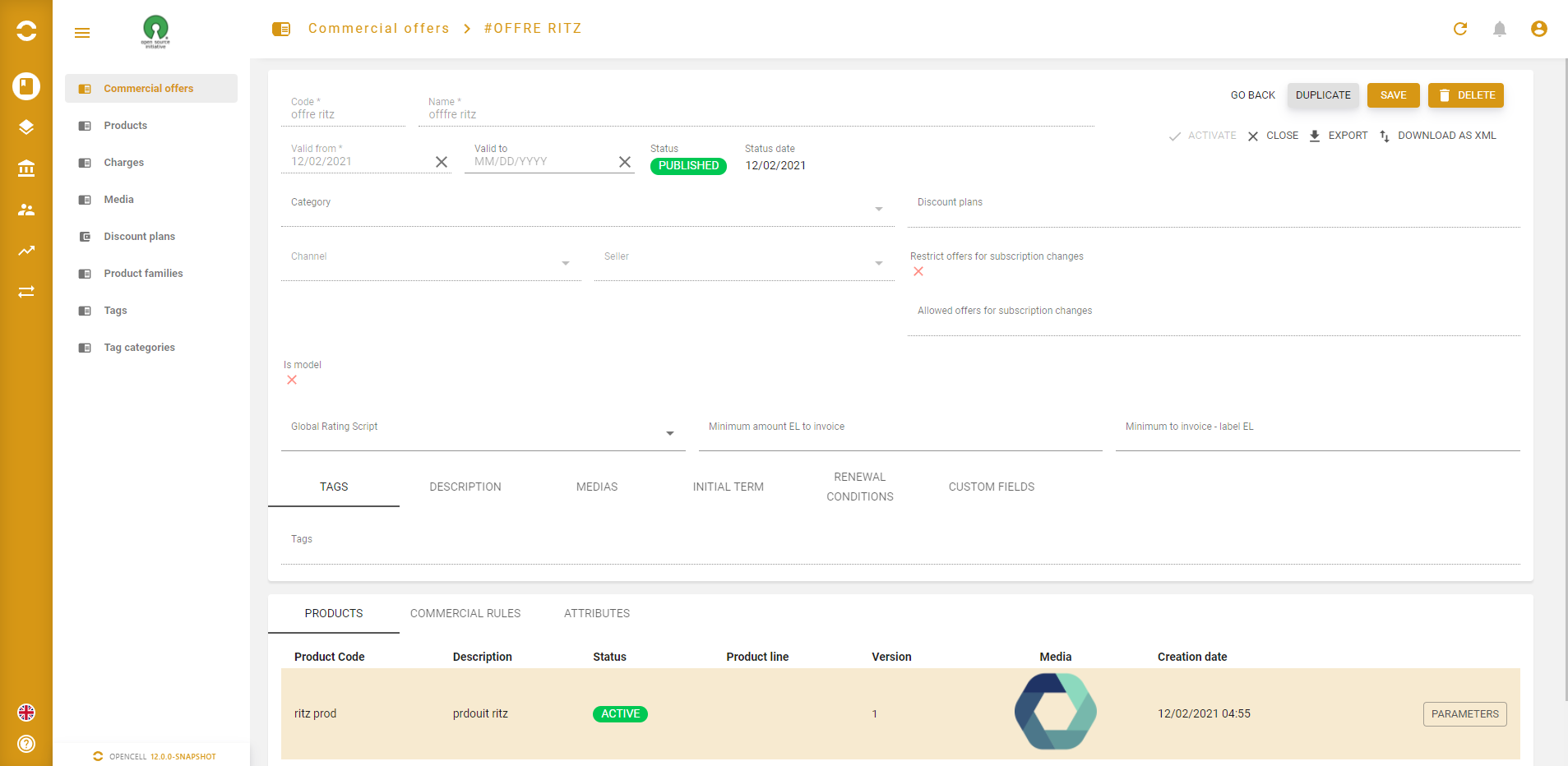
Note that you may need to delete cookies and cache to see modifications
Pro tips : press CTRL+MAJ+R to do so.
… / …