
Customizing your theme allows you to personalize your experience in the system. After completing previous tasks and once your configuration file is opened in your text editor tool, look for “Theme” :
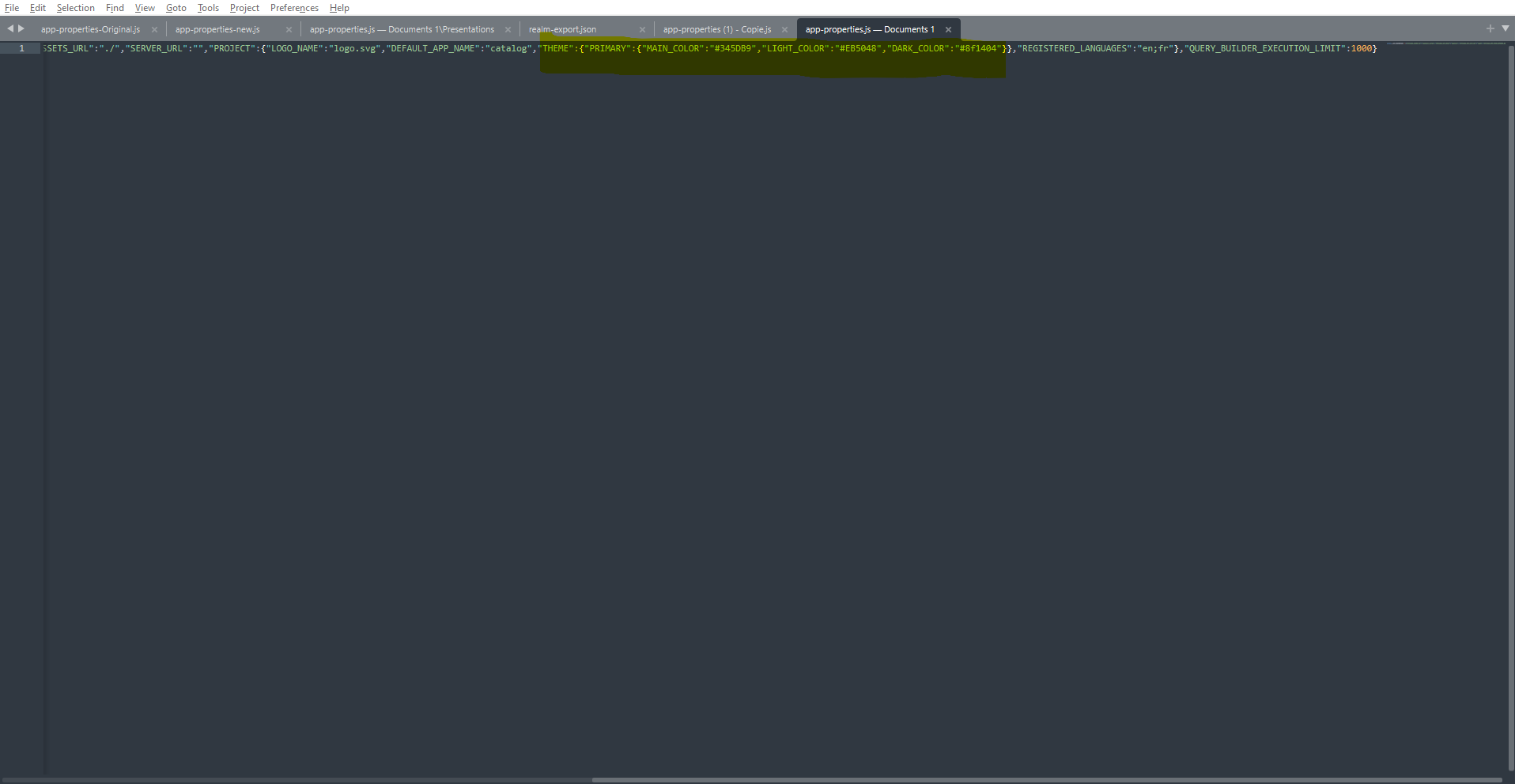
Theme is divided in 3 parts :
-
Main color : Main color of the application
-
Light color : Color when hovering menu
-
Dark color : Color hovering CTA
You are able to personalize these 3 themes. To do so, you will have to change the HEX code.
After your modifications are done, you will need to save the file with the same name “app.properties.js” and to download it in the file explorer. By doing so, it will replace the existing configuration file by the new one. After refreshing your page, modifications are applied.
Note that you may need to delete cookies and cache to see modifications
Pro tips : press CTRL+MAJ+R to do so.
Pro-tip2 : You can find HEX codes here https://htmlcolorcodes.com/
Default OC theme : "MAIN_COLOR":"#B41D0A","LIGHT_COLOR":"#EB5048","DARK_COLOR":"#8f1404"
… / …