
You are now able to set a customized message that will be directly displayed on the bottom part of you Opencell portal. This allows you to go a step further into customization.
Setting a new portal message
By default, no message is set on this page, this is why you are not able to see anything prior to having defined a message on the Portal message page.
When arriving for the first time on the page you will see he following:
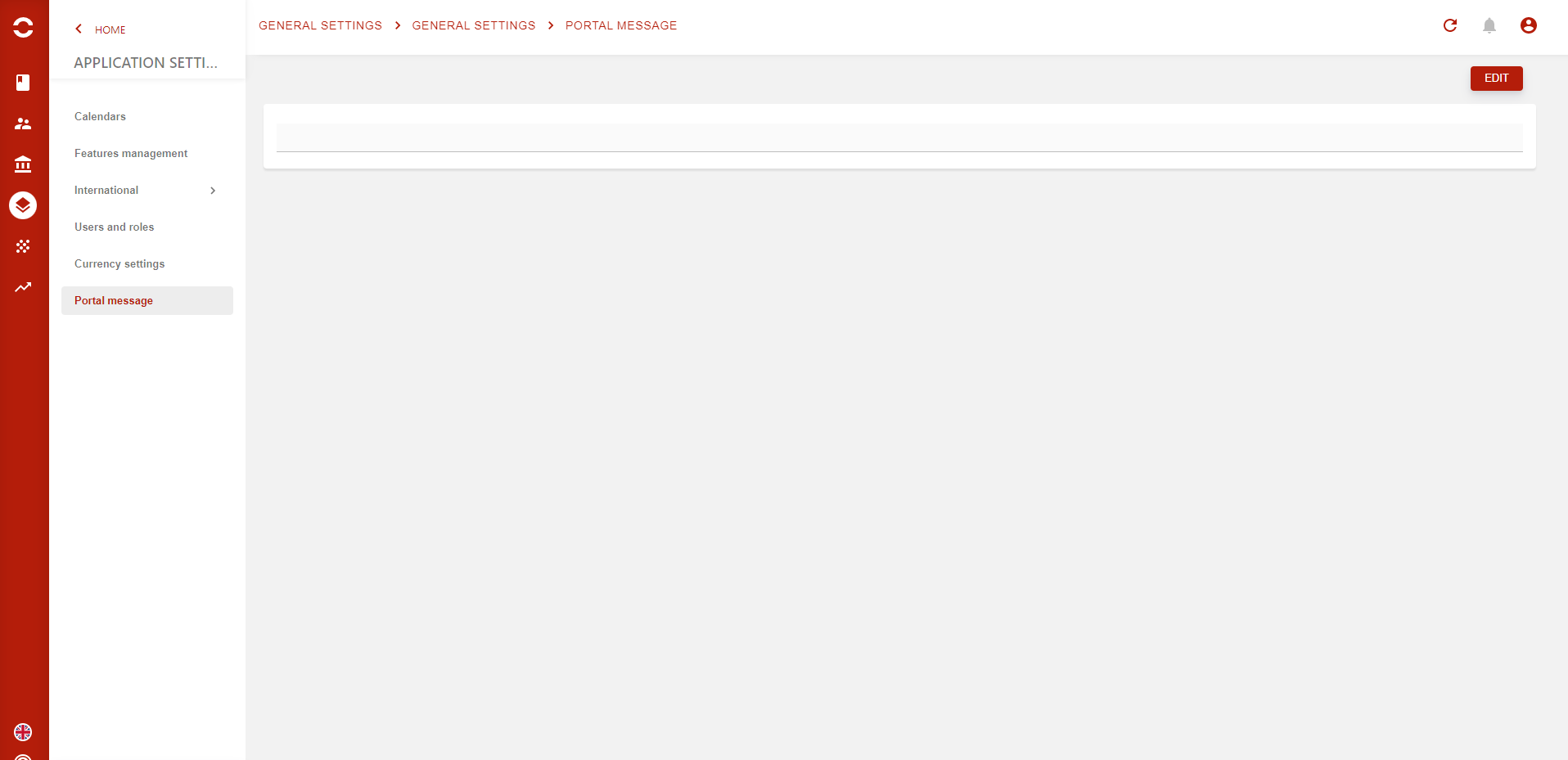
To add a new message, press the EDIT button.

A rich text component will then visible. Type you message and just hit the SAVE button.

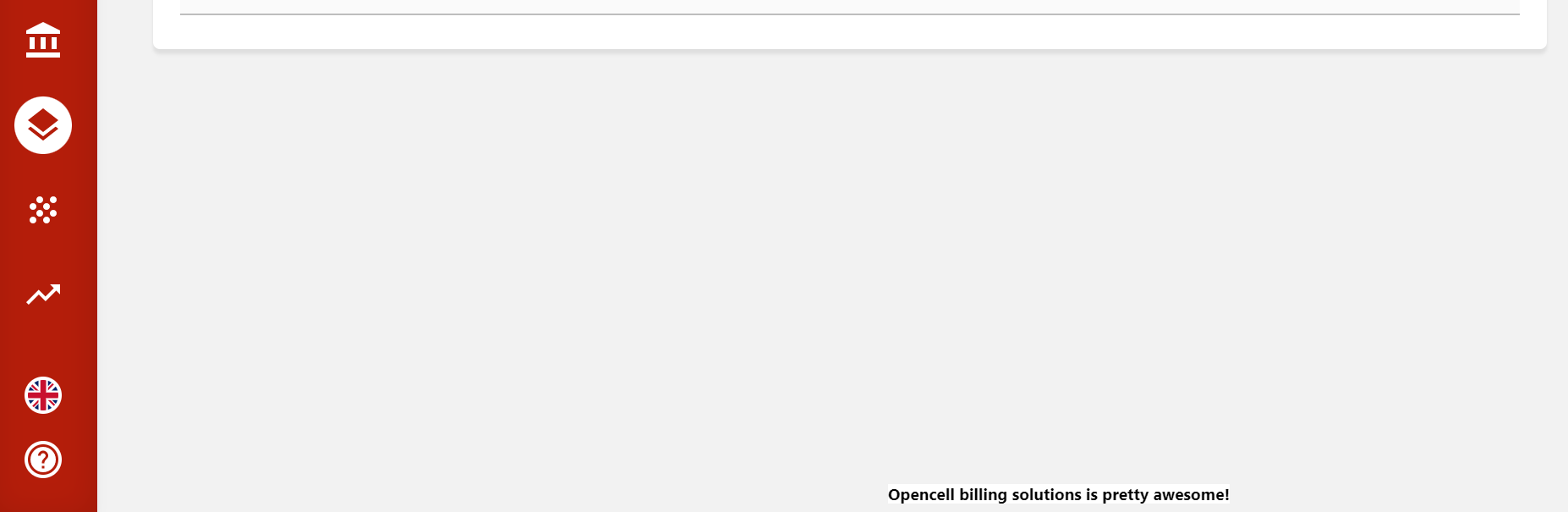
See below the message has no been displayed on the portal (at the very bottom).
-
Image above is a zoom of the portal page
-
Font size is 12px
-
Hyperlinks are allowed
-
Images are not supported
-
A limit of 500 characters exists for the portal message