
Opencell proposes a lot of out-of-the-box reports you can run from this page and download the result.
You can also add new reports through integration scripts.
Report extracts
Here you can see the list of available reports to be run:
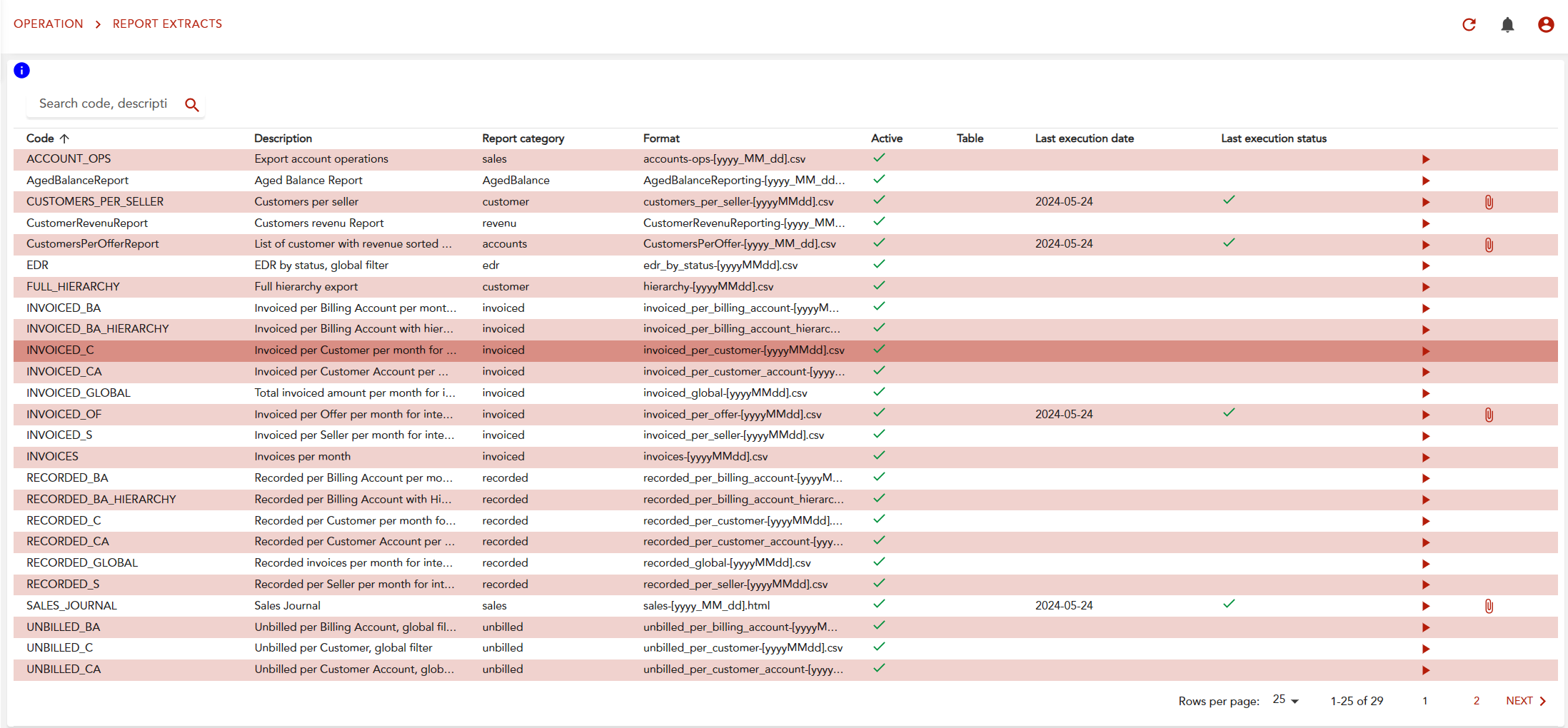
You can see when it was last run and access its result through the paperclip icon.
Clicking on the arrov you can launch a job, a pop-up appears to ask:
-
either if you confirm launching the job
-
and extra parameters if needed (such as time period, filter criteria…)
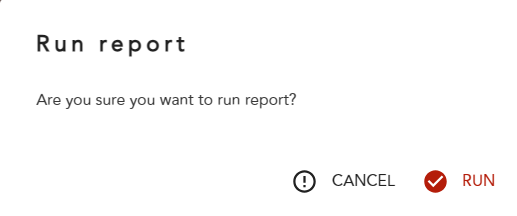
The report generation will be done asynchronously, you can go to report history to see when it is generated or the same page if it is fast enough.
Report extract history
On this page, you can see all the reports that have been run, and you can download its result on clicking on the end of the line symbol:
