
To activate multi-currency feature in Opencell portal, you first need to define a functional currency for your business.
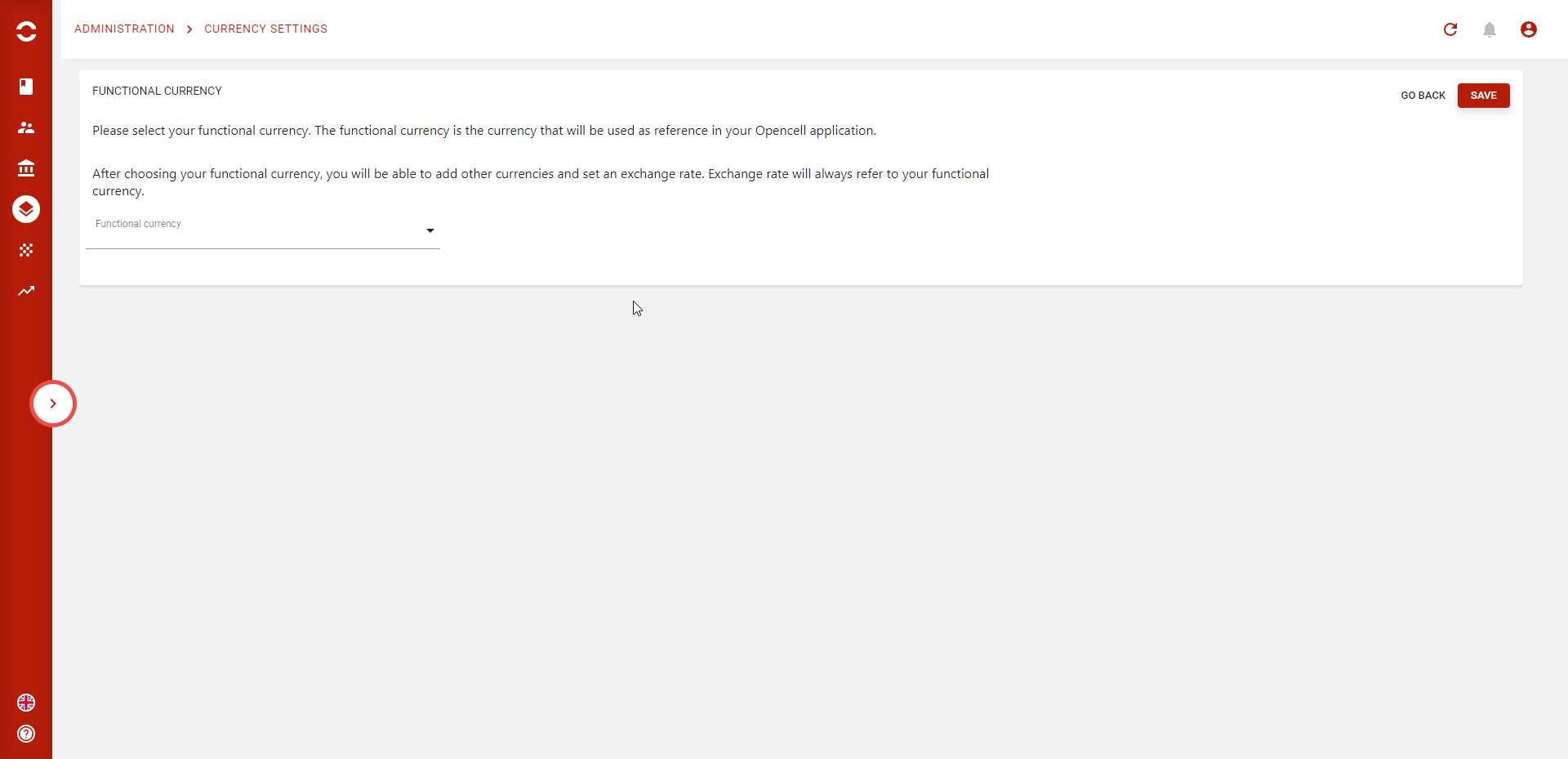
To do so, go to : General settings → Application settings → Currency settings.
Choosing functional currency
Functional currency is the currency used by your organization for its business. This currency is often used to produce reports and generate KPIs.
By default, when the multi currency is not activated, functional currency used by Opencell will be EURO (€). However, if you want to add new currencies, you need to choose your functional currency in portal settings.
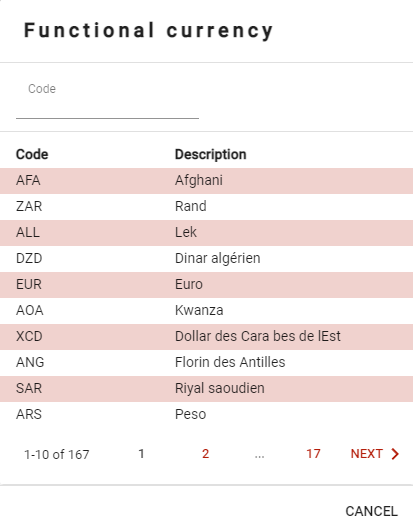
Once you clicked on the picker, you’ll see a list of available currencies. You can filter by ISO code and then select the currency of your choice.
After being added, the functional currency will now be displayed in the currency setting page and symbols will be updated accordingly to your choice in Opencell portal.
Please note that the functional cannot be changed after being chosen. Contact us for more assistance!
Now that your functional currency is chosen, you’re able to add foreign currencies to your application.