
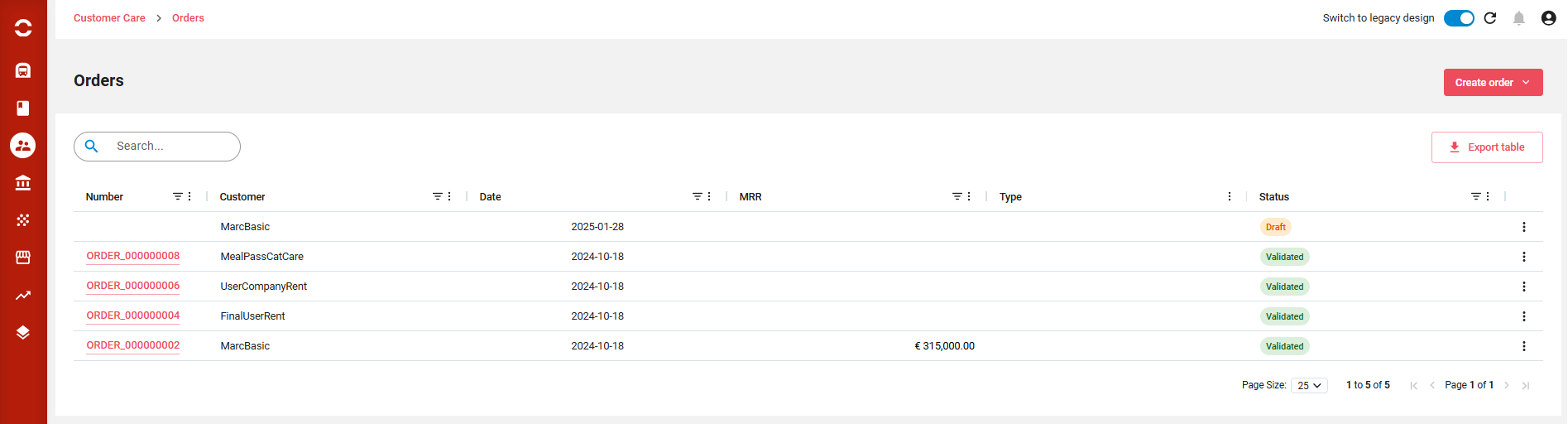
Orders can be listed, sorted, filtered, columns displaced or displayed. A full text search is available on top.
From there you can:
-
Create an order
-
Create a quick one shot order
-
Export the displayed list
-
Clicking on a line brings to the order. End of line actions allows to close the order or duplicate it.
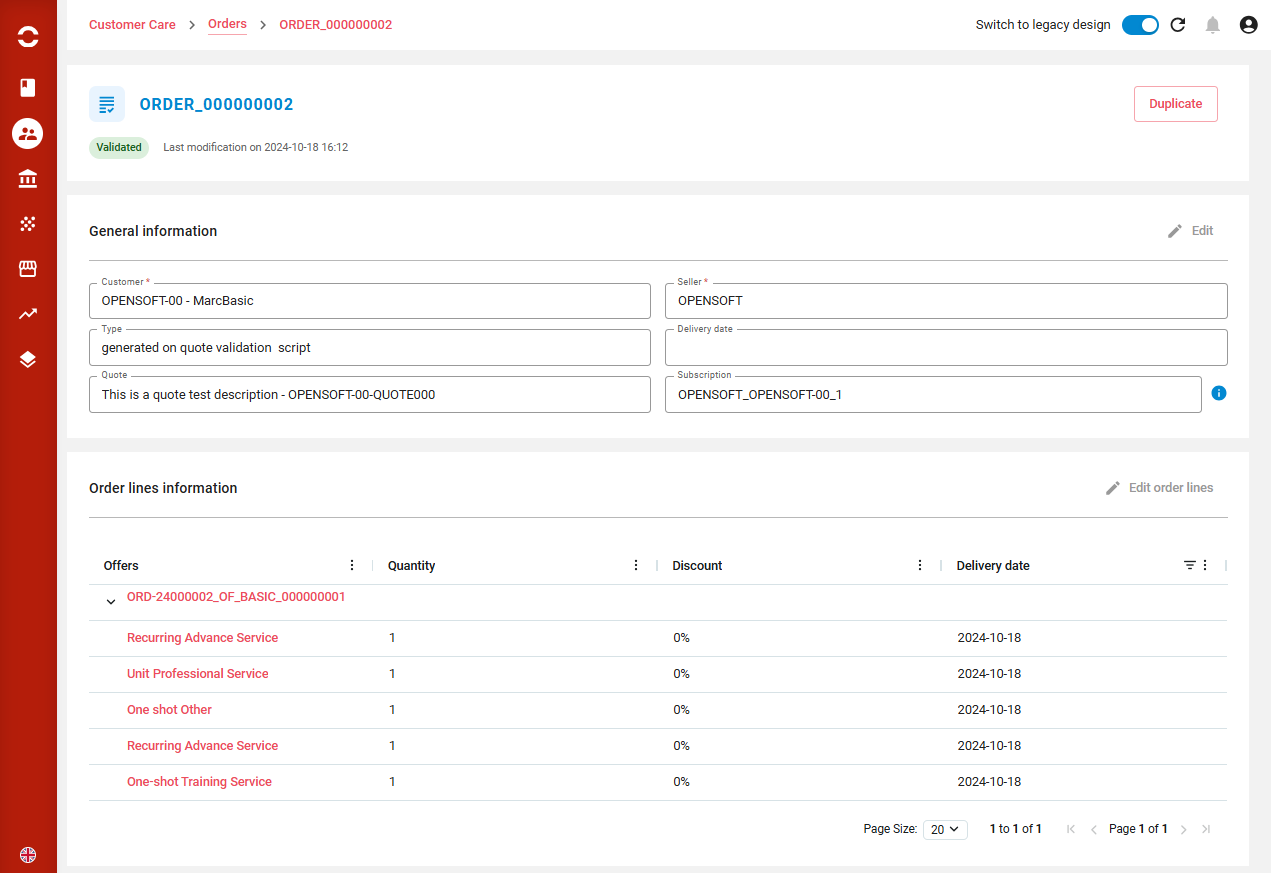
Order details
Orders can be displayed, sorted, filtered, columns displaced or displayed. A full text search is available on top.
From there you can depending on the status:
-
Duplicate the order
-
Validate the order if it is still in Draft status
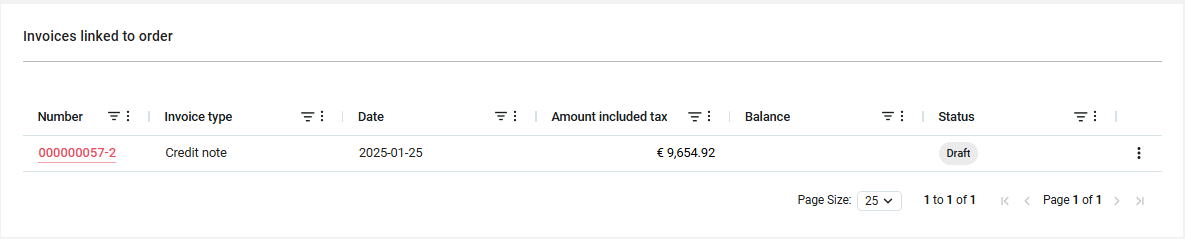
You can see the list of invoices or credit notes related to the order.
End of line action allows to:
-
download PDF
-
Duplicate invoice
-
Adjust invoice
-
Resend by email
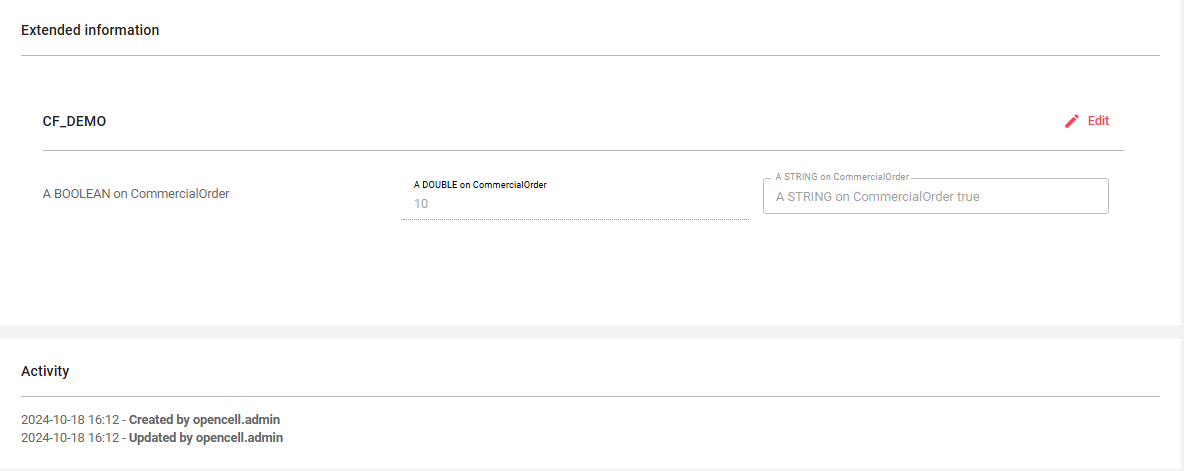
The possible extended information is present if Custom Fields have been defined on the Orders. It is always followed by the activity log.
Order statuses
|
Status |
Meaning |
|---|---|
|
drAft
|
Order being prepared, waiting for validation |
|
FINALIZED
|
Order is finalized and is being processed |
|
COMPLETED
|
Order with invoicing plan has been completed (progress=100%).
|
|
VALIDATED
|
Order without and invoicing plan is validated, subscriptions have been created.
|
|
Canceled
|
Order has been canceled |