
List subscription
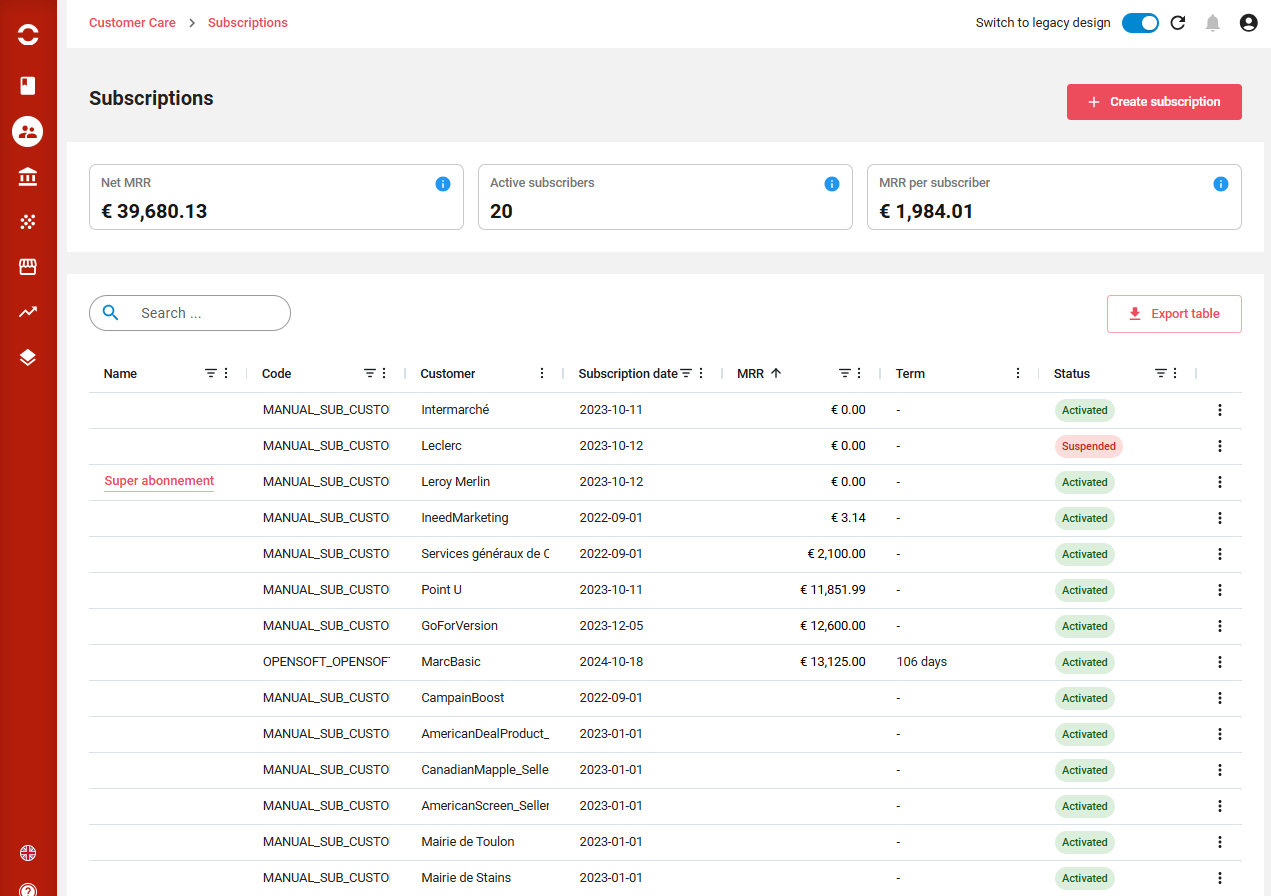
Subscriptions can be listed, sorted, filtered, columns displaced or displayed. A full text search is available on top.
From there you can:
-
Create a subscription
-
Export the displayed list
-
Clicking on a line brings to the subscription. End of line actions allows to susênd subscription, terminate subscription and change offer.
View subscription
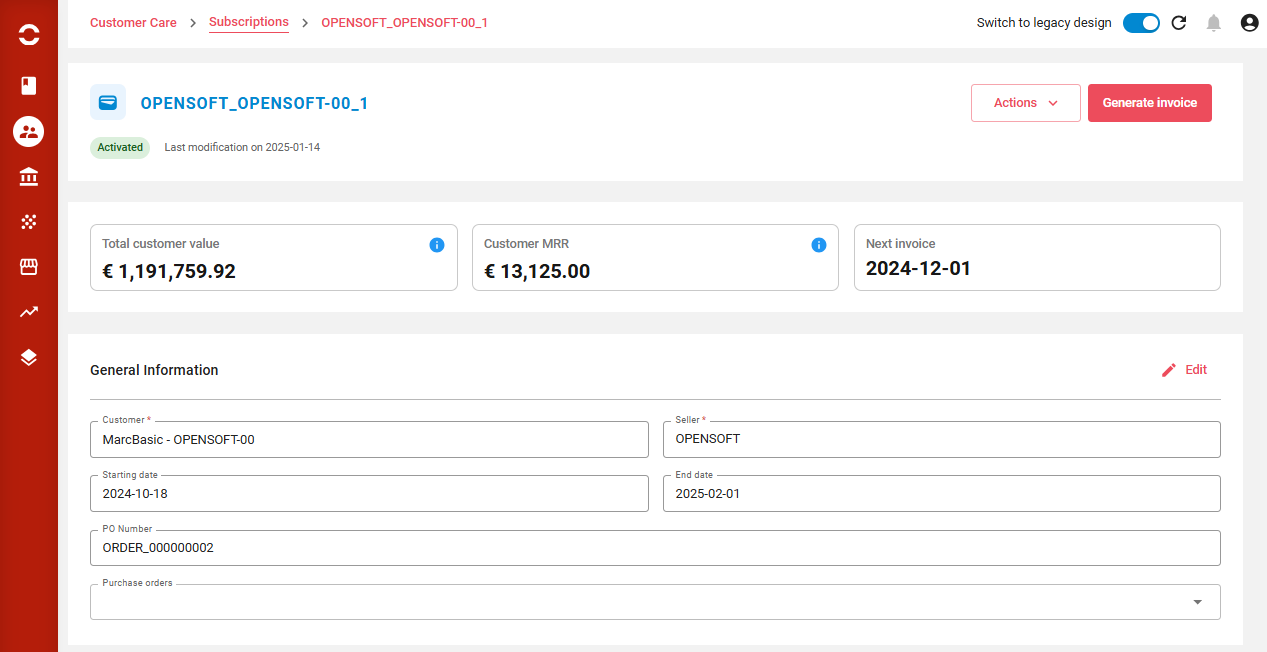
Subscription can be displayed, sorted, filtered, columns displaced or displayed. A full text search is available on top.
From there you can depending on the status:
-
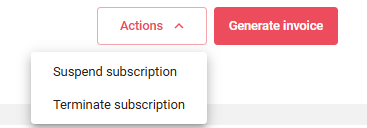
suspend or terminate the subscriptions
-
Generate the invoice, from all available rated elements, else “No billable transaction for selected billing accounts” will be displayed.
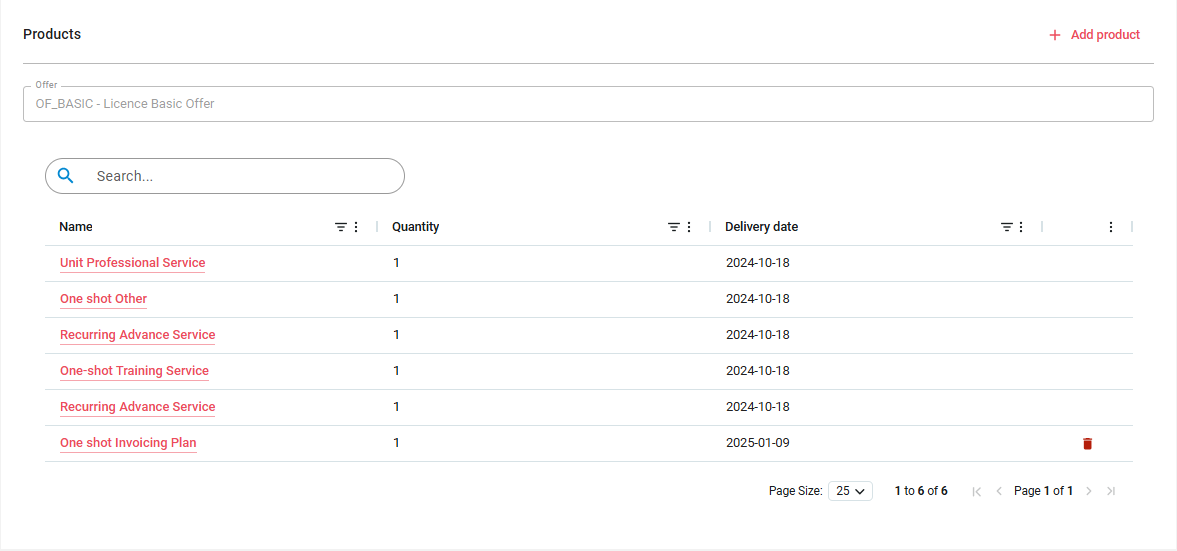
Products are listed, it is possible to add a product if the offer allows it.
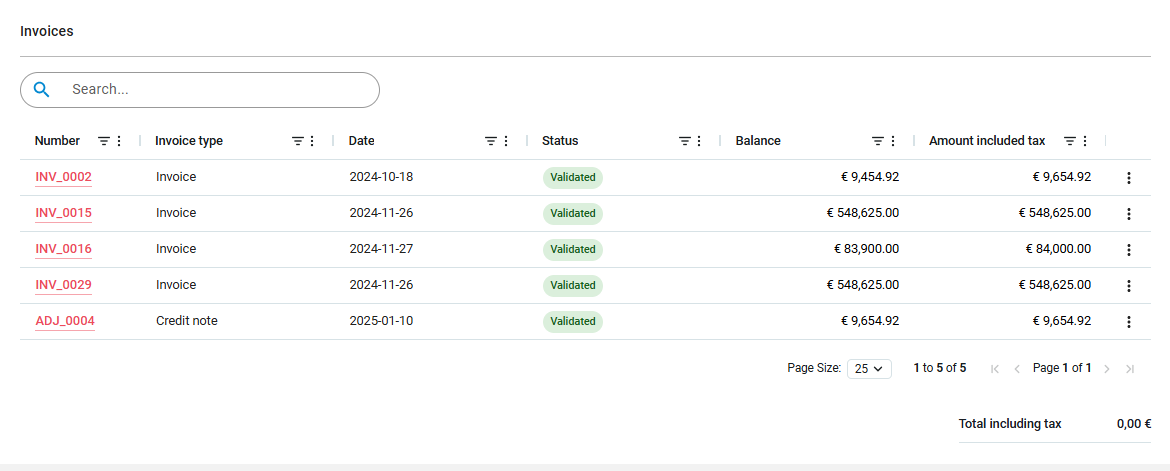
Invoices and credit notes related to the subscription are listed, for each at end of line you can:
-
Download PDF
-
Duplicate the invoice
-
Create an adjustment on the invoice
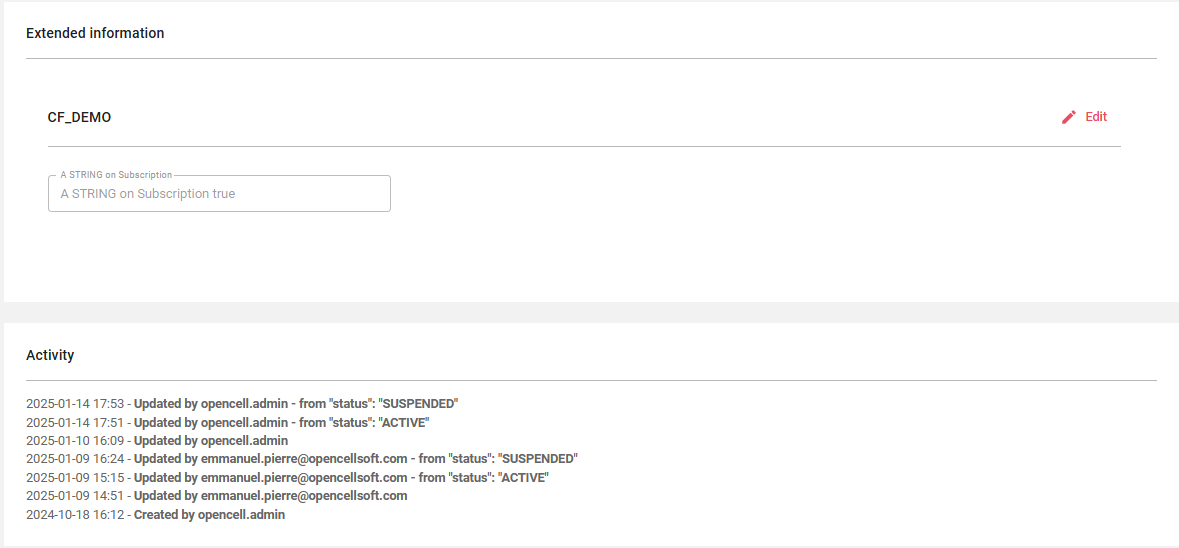
The possible extended information is present if Custom Fields have been defined on the Orders. It is always followed by the activity log.
Subscription statuses
-
INSTANTIATED INSTANTIATED: subscription has been created but is incomplete
-
ACTIVATED ACTIVATED: subscription is active
-
SUSPENDED SUSPENDED: subscription is suspended
-
PENDING PENDING: subscription is pending activation
-
CLOSED CLOSED: subscription has been closed
-
CANCELLED CANCELLED: subscription has been cancelled
-
TERMINATED TERMINATED: subscription has been terminated through resiliation.