
The Rated items (aka RT for rated transaction) are wallet operations that have been made ready for invoicing, or created directly.
This screen allows to:
-
Manage rated items through simple or advanced filters
-
Download a filtered list of rated items
-
Launch the job to transform Wallet operations into Rated items
-
Launch the article mapping job to assign rated items to an article, to prepare for invoicing
-
Follow the RT-related jobs status
Rated items list
Rated items are either Open (not invoiced) or Billed (invoiced).
There are other less common statuses, you see them all on the rated transaction page.

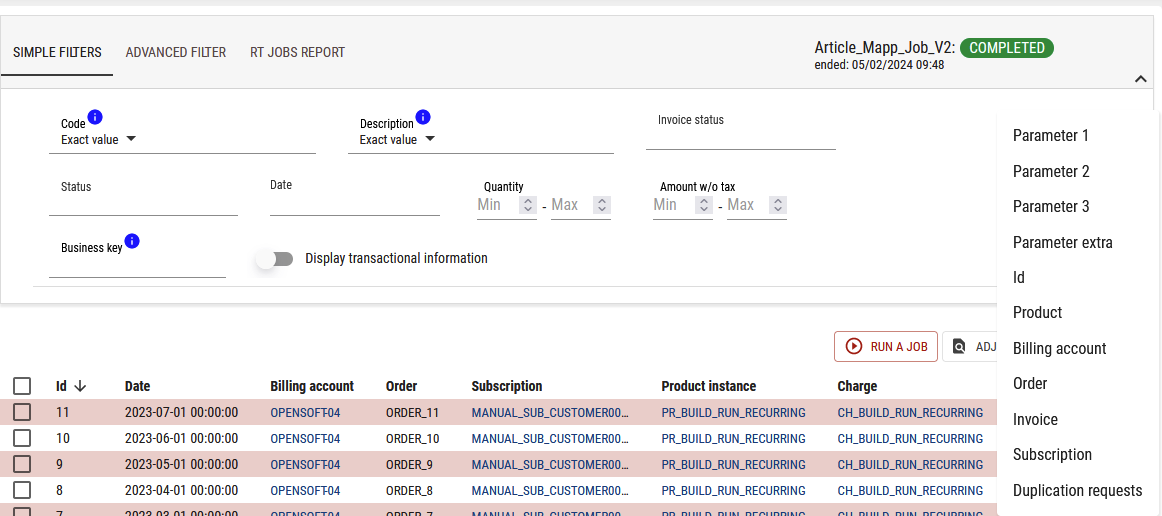
Simple filter
This filter is for the main frequents use of this screen, other parameters can be added clicking on 
Advanced filter
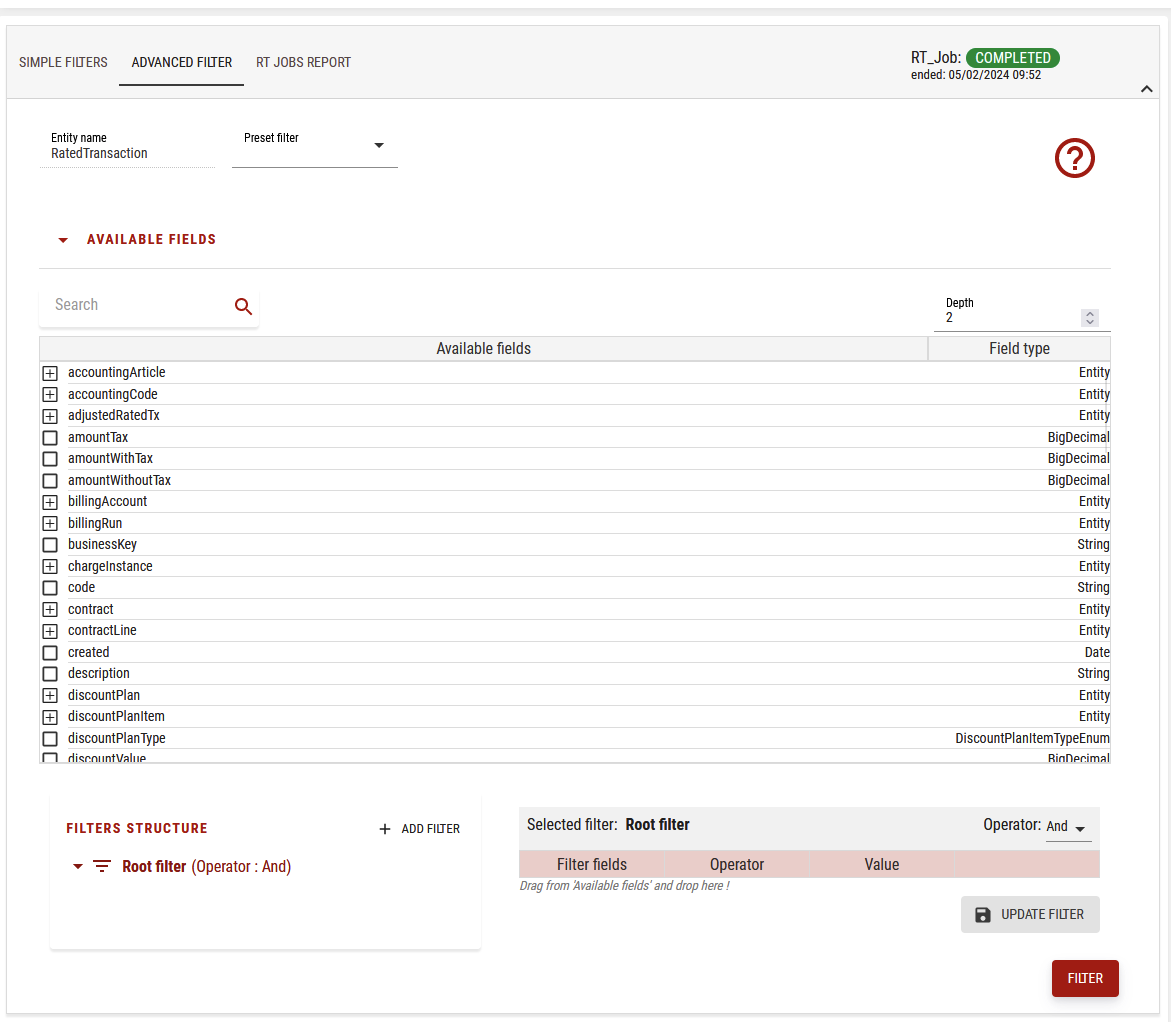
Here, you can have access to the advanced filtering tool (similar to Query tool) filters, and to apply it, please click on the filter button in red at the bottom:
Launching a job

Rated transaction job
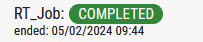
When clicking on RT Job, you will see on the top right:
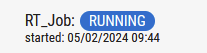
When completed it will become:
You can see the job result in the RT Jobs report:

Here we can see new open transactions:

Article mapping job
You may need to run article mapping for invoicing and accounting.
For this job, the same behavior is expected:

You will see its status when run:
