That’s the page you will land on when going to the “billing run” menu item.
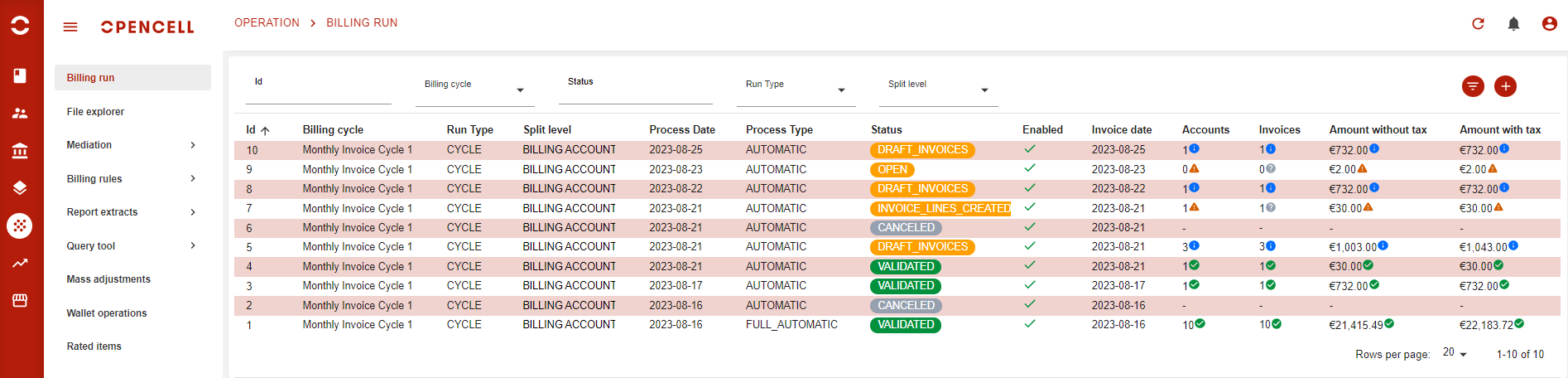
It lists the billing run that have already be created and provides additional informations including:
-
current billing run status
-
global statistics on the run depending on its status (number of accounts and invoices, amounts
-
various properties that will be detailed in Create a cycle billing run
Newest runs are on the top of the list.
Actions
-
As usual, you have an number of filters available to search for a specific run
-
Clicking on a line on from the list will open the Billing run details
-
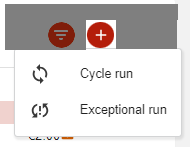
You can Create a cycle billing run or Create an exceptional billing run: