Customer care interface allows to create customers. In Opencell, those can either be individuals or organizations (e.g. companies).
Create your Customers
After selecting the 
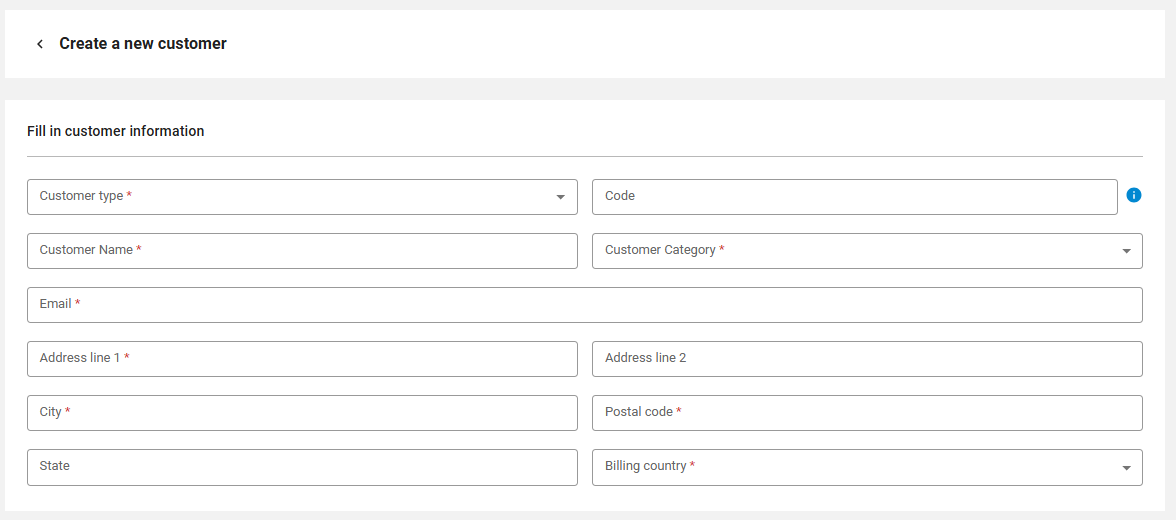
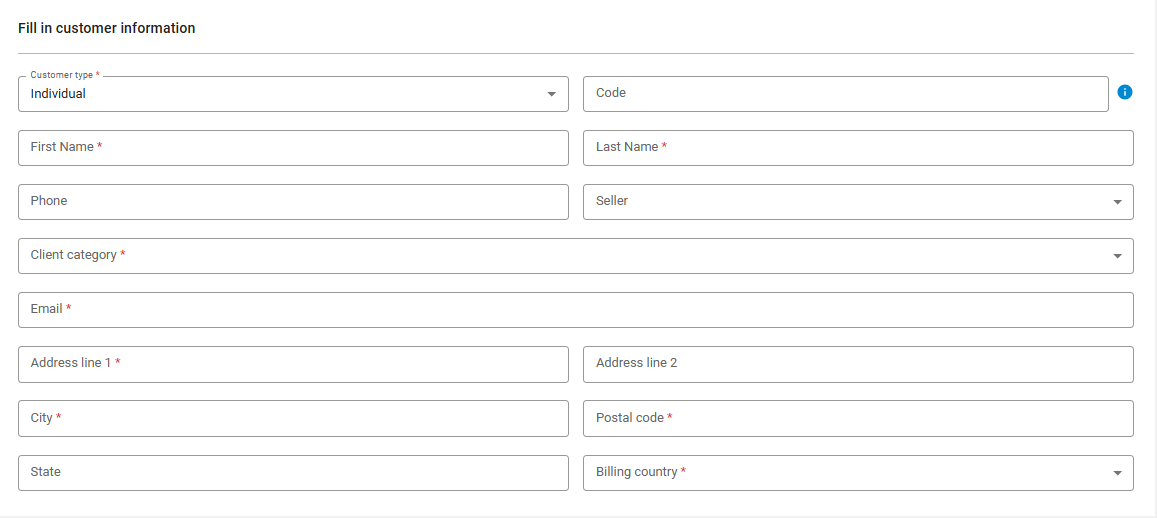
The customer type defines if your customer is a Company or an Individual, thus personalizing informations mandatory to be defined, as an example here is the individual list:
-
All mandatory fields are indicated with a *
-
The code can be auto generated, this is described by the

Customer settings are the paramaters that will be used for:
-
Communication
-
invoicing currency

The billing cycle is where you will set when this customer will be invoiced, based on the way you configured the system’s billing (1st of month, monthly based on subscription date…)

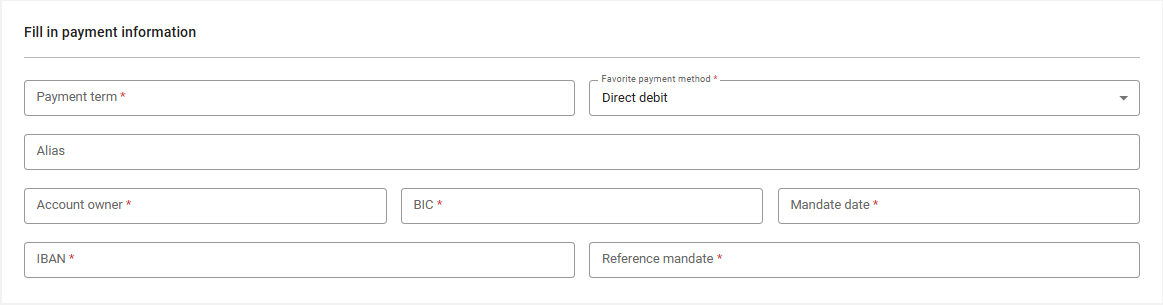
And finally the payment term that applied to this customern and its favorite payment method:

that will change to the desired informations required for each, below example for SEPA:
Then extended informations can appear based on your system settings
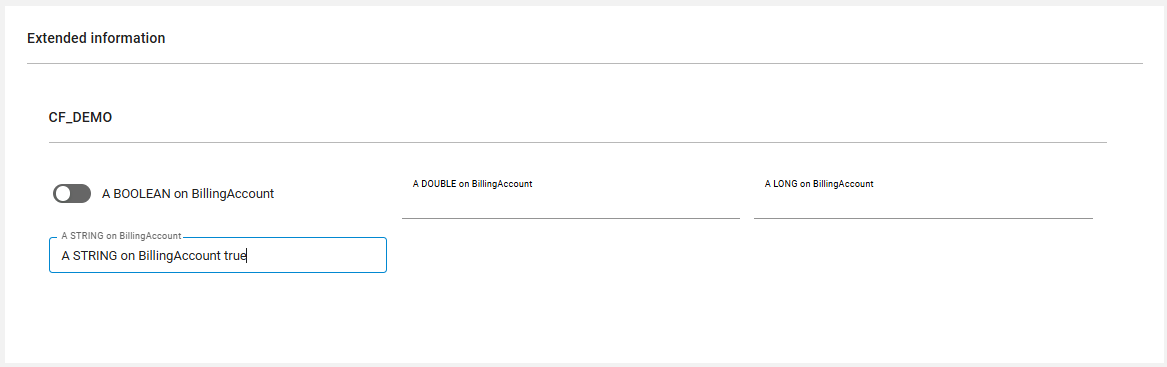
Then you can create the customer: