
The Muti-balance page is the sub-menu where all various elements that can have their own balance are managed. This sub-menu is due to be replaced, but in the mean-time let’s have a look at the different options available from here.
Security deposits
Deposit templates are used when you will create a deposit from scratch, directly from the Security Deposit tab in the customer 360 view.
A default template is available and already activated for all new environments. It’s the one with the name DEFAULT_SD_TEMPLATE.
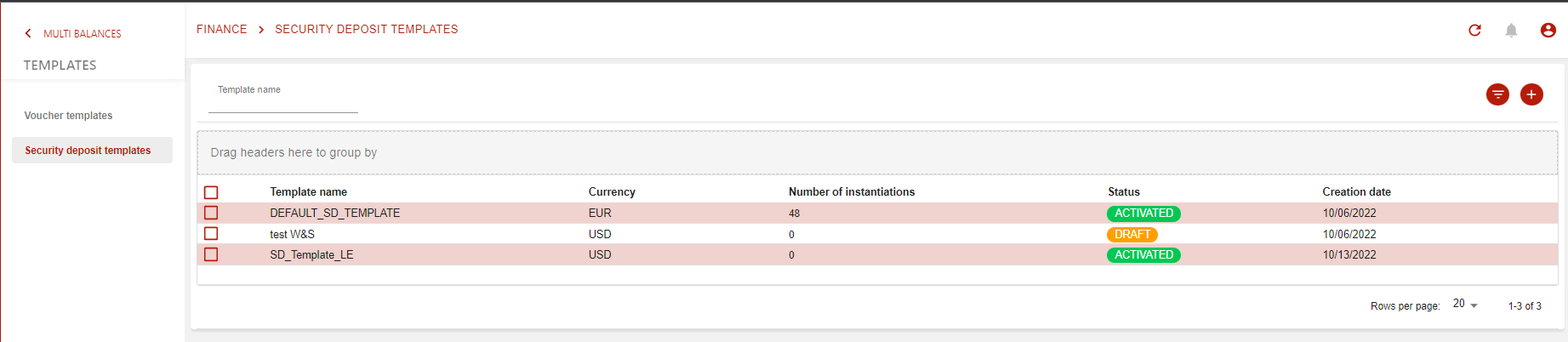
Here are listed all templates that you will create just by pressing the :plus: button.
Once you do so, you will arrive on the following page:
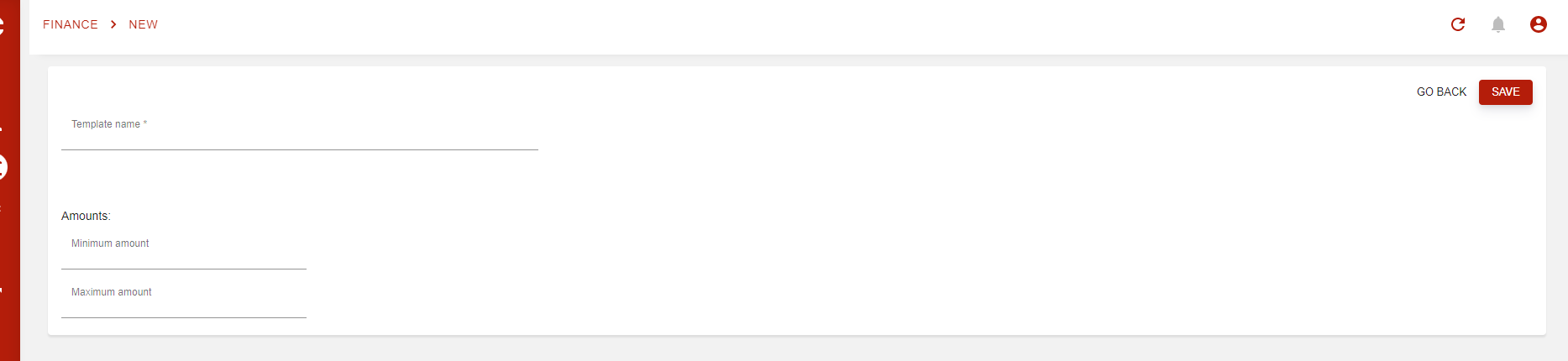
Here, you will have to define the name of your template and if you wish to set minimum or maximum amounts.
The default template has no amount restrictions, allowing you to use it directly without having to create a new template.