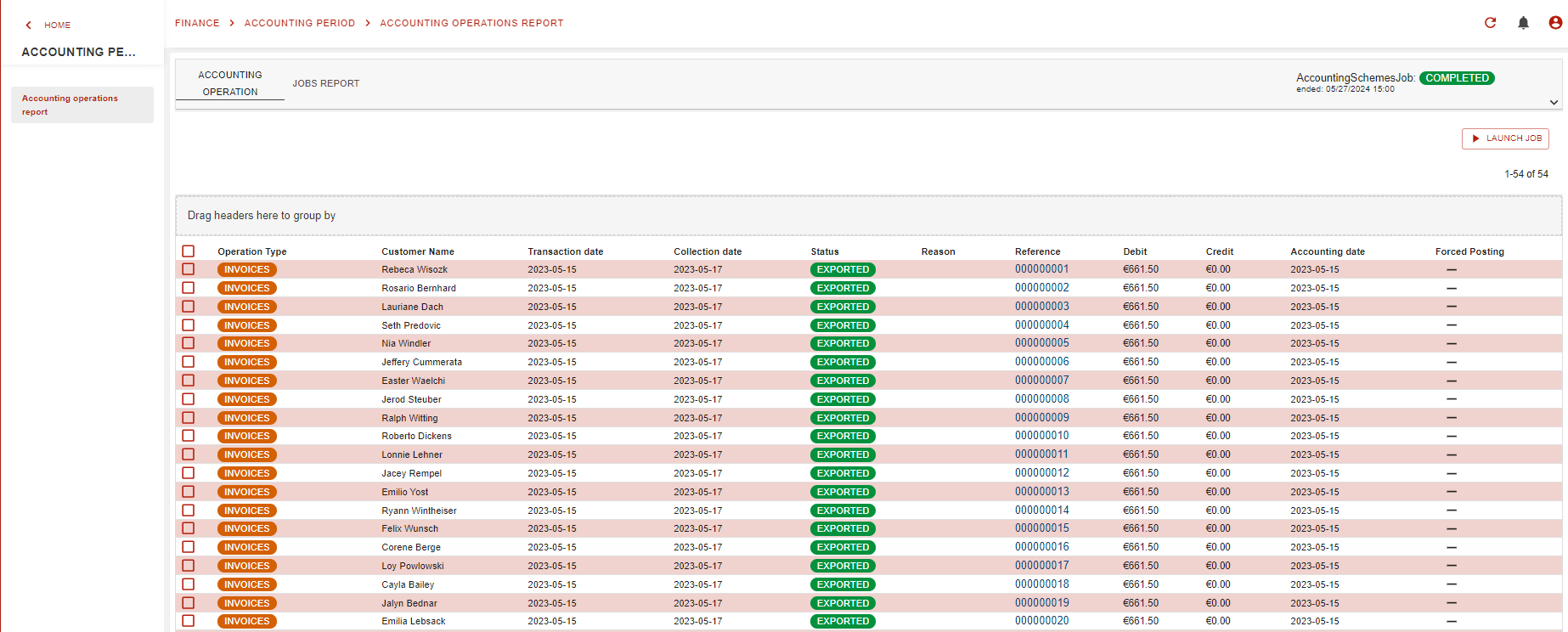
Accounting operations repor is presented as below by the GUI. We can list all operations and the status of accounting scheme export and the linlk to related invoices.
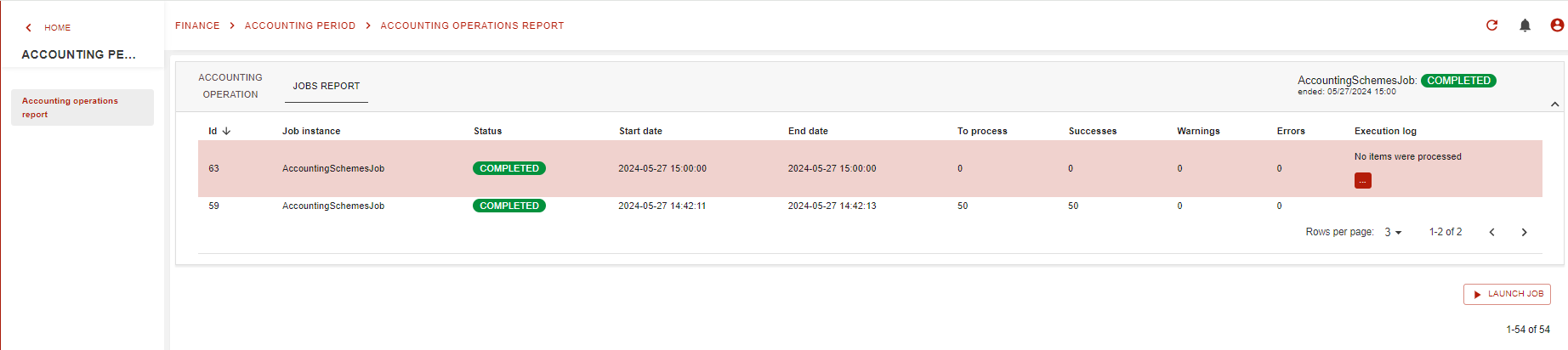
On the same GUI we have the laucnch the AccountingSchemesJob and see the history of previous launches of the job.
What can I do with my report?
OC’s reports allow you to use filters on your reports. To access filters, click on:filter: as below:
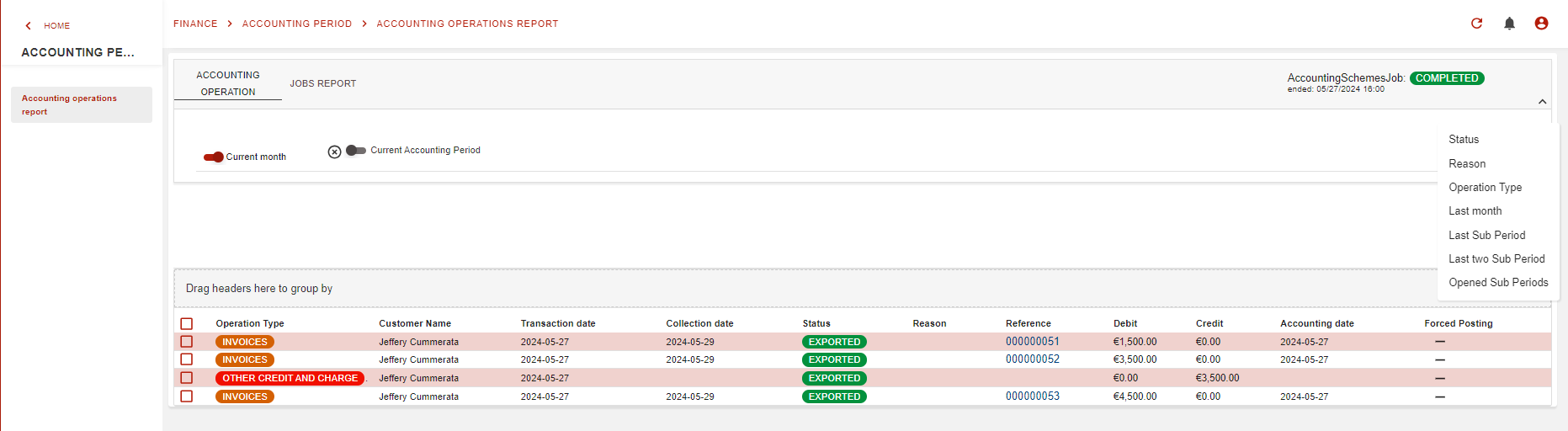
default set filter are:
-
Current month: true : list only current month account’s operations
-
Current accounting period: false : display only cuent fiscal year account’s operations
Other filters are:
-
Status: the status of the xport of the accounting entrie: posted, exported, exported failed and rejected
-
Reason: test of the rejection or export failure reason
-
Operation Type: type of the operation as : invoice, payment , write-off…..
-
Last month: list only the last month account’s operations
-
Last Sub Period: list only the last sub period account’s operations
-
Last two Sub Period: list only the last two sub period account’s operations
-
Opened Sub Periods: list only the opened period account’s operations
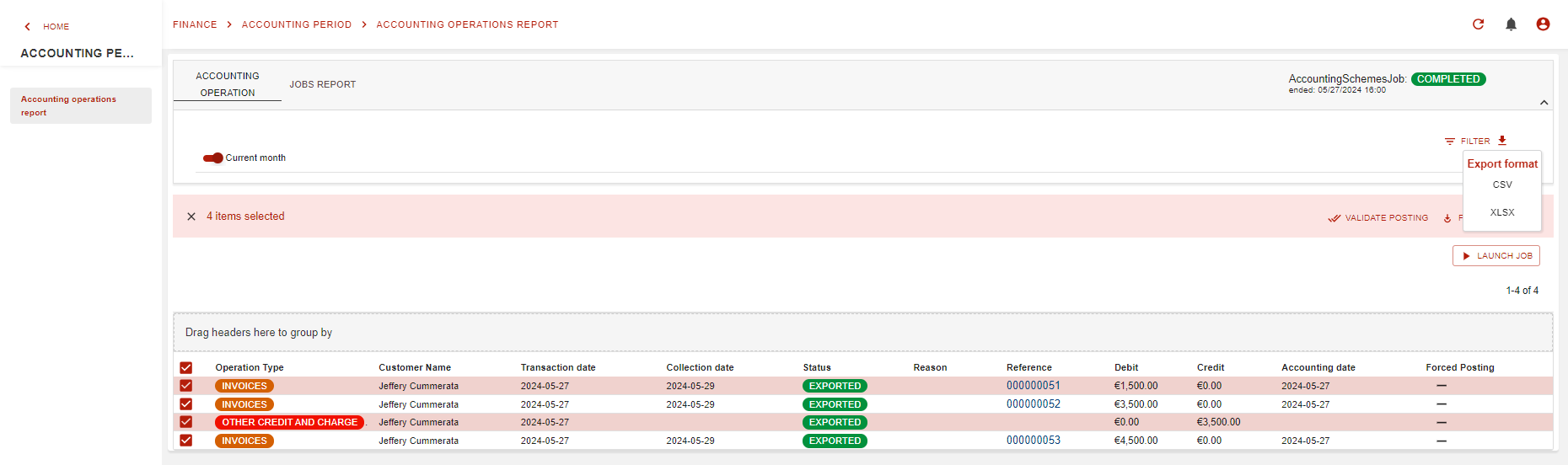
We can export the report csv or xlsx as shown below after selecting the operations needed: