
This page describes how to configure Opencell for the VAT on receipts accounting mode (432 - Paid to date / TVA sur Encaissements), available from v18.1.0.
Under this mode, VAT is recognized and paid to the tax authority only when customer payment is received — not when the invoice is issued. See VAT Recognition (432 - Paid to date) for the full concept and accounting entry details.
The VAT recognition mode selection is irreversible. Once set to 432 - Paid to date, it cannot be changed back without a data migration. Perform this configuration before any invoices are generated in production.
Prerequisites
-
Opencell v18.1.0 or later.
-
Administrator access to the Settings menu.
-
The accounting codes 44580 (VAT to be regularized) and 44574 (VAT collected on receipts) must exist in your chart of accounts. They are seeded automatically on upgrade to v18.1.0.
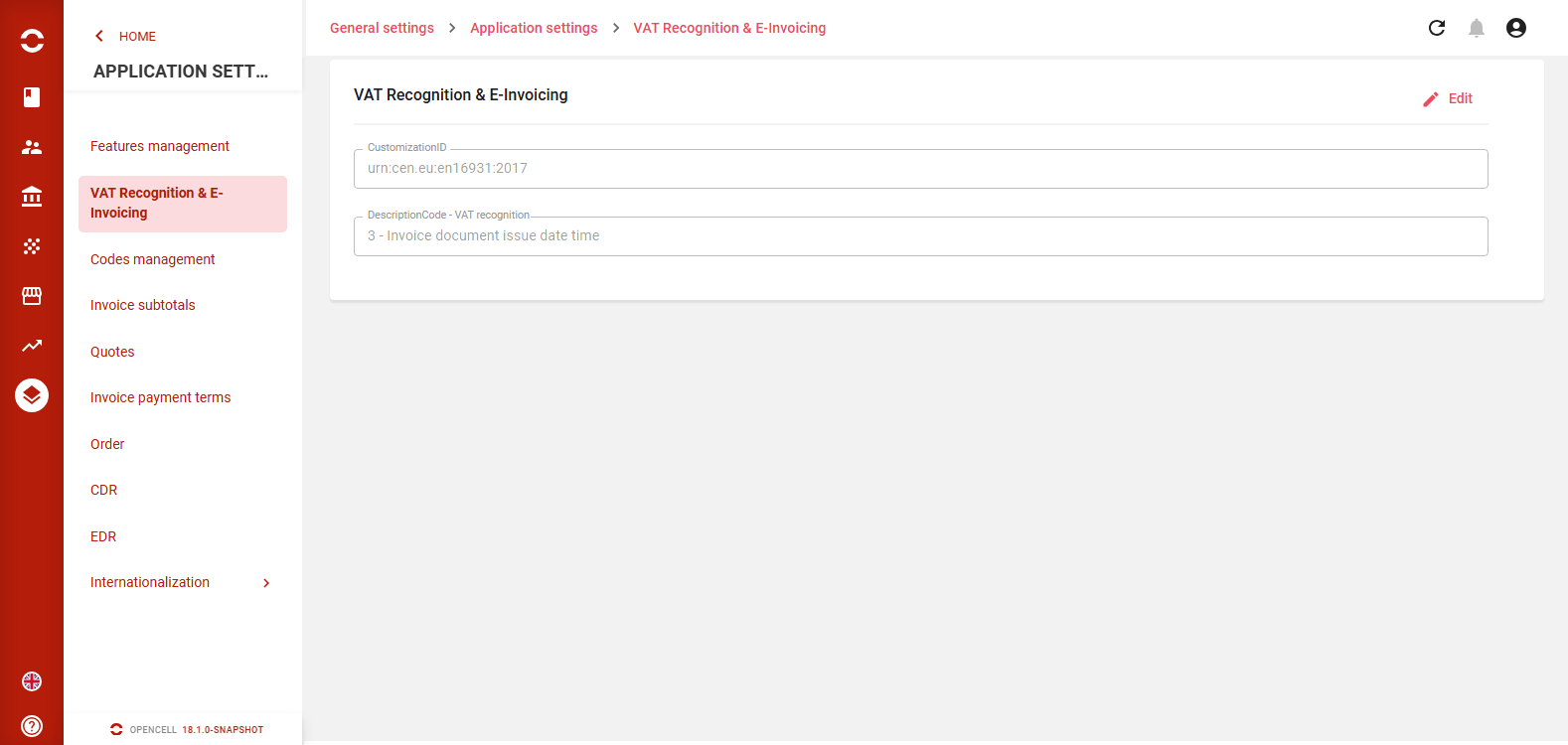
VAT Recognition & E-Invoicing settings page — General settings > Application settings > VAT Recognition & E-Invoicing
Step 1 - Select the VAT recognition method
-
Navigate to Settings > VAT Recognition & E-Invoicing.
-
In the VAT recognition field, select 432 - Paid to date (TVA sur Encaissements).
-
Save the configuration.
The page was previously named "E-Invoicing". It has been renamed to "VAT Recognition & E-Invoicing" in v18.1.0. The existing E-Invoicing fields (BT-8 DescriptionCode, etc.) remain unchanged.
Step 2 - Configure accounting codes on each Tax
For every Tax record that will be used in 432 mode, two accounting code fields must be filled in:
-
Navigate to Settings > Taxes and open a Tax record.
-
Set Pending VAT account (44580) — used to hold VAT at invoice time until payment is received.
-
Set Collected VAT on receipt account (44574) — used to recognize VAT when payment is matched.
-
Save the Tax record.
-
Repeat for every Tax that applies to invoices in your system.
Both fields are always visible on the Tax form but are only functionally required when the VAT recognition mode is set to 432. A warning indicator is shown on the Tax page if 432 mode is active and the pending VAT account is missing.
|
Field label |
Accounting code |
Purpose |
|---|---|---|
|
Pending VAT account |
44580 |
VAT held at invoice creation, awaiting payment |
|
Collected VAT on receipt account |
44574 |
VAT transferred here when payment is matched — declared to tax authority |
Result — What changes in accounting entries
Once configured, the accounting behavior changes as follows:
|
Event |
Standard mode (3) |
VAT on receipts (432) |
|---|---|---|
|
Invoice validated |
VAT credited to collected VAT account |
VAT credited to 44580 (pending — not yet due) |
|
Payment matched |
No VAT entry |
VAT transferred from 44580 to 44574 (proportional to payment amount) |
|
Final payment matched |
No VAT entry |
Remaining VAT in 44580 fully closed out to 44574 — balance in 44580 = 0 |