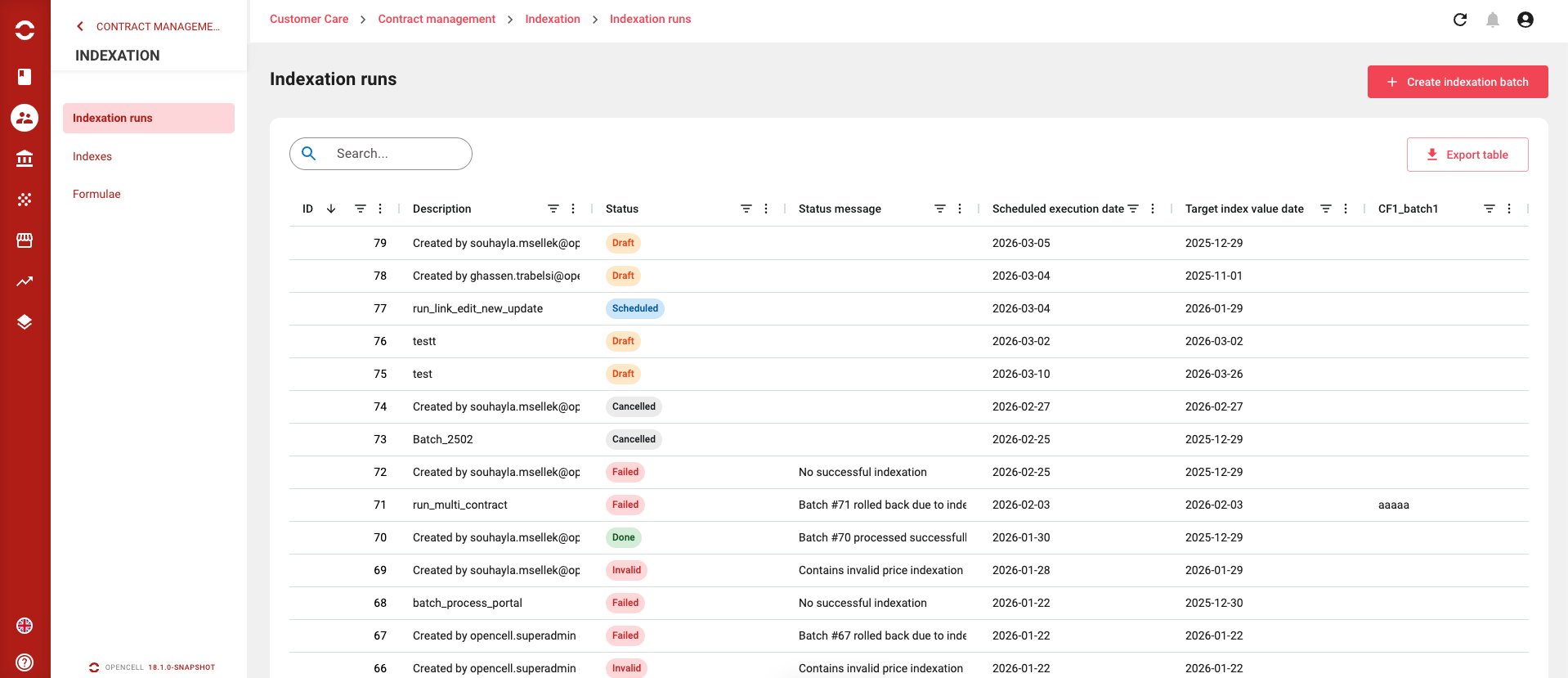
When you arrive on the Indexation runs page list view, then you will see all runs that have been created in your environment. As all list views, a few features are available to allow you to quickly search for specific indexation runs, such as :
-
Search bar

:filter: Filter button on all column
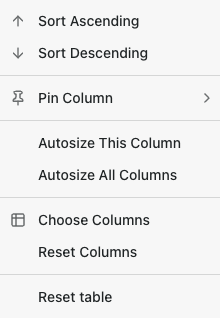
-
New button to create a new indexation batch

-
An export table button → This will download the view in .CSV format
Actions Available (via Actions menu)
You can interact with each indexation batch directly from the list view using the action menu. The following actions are supported:
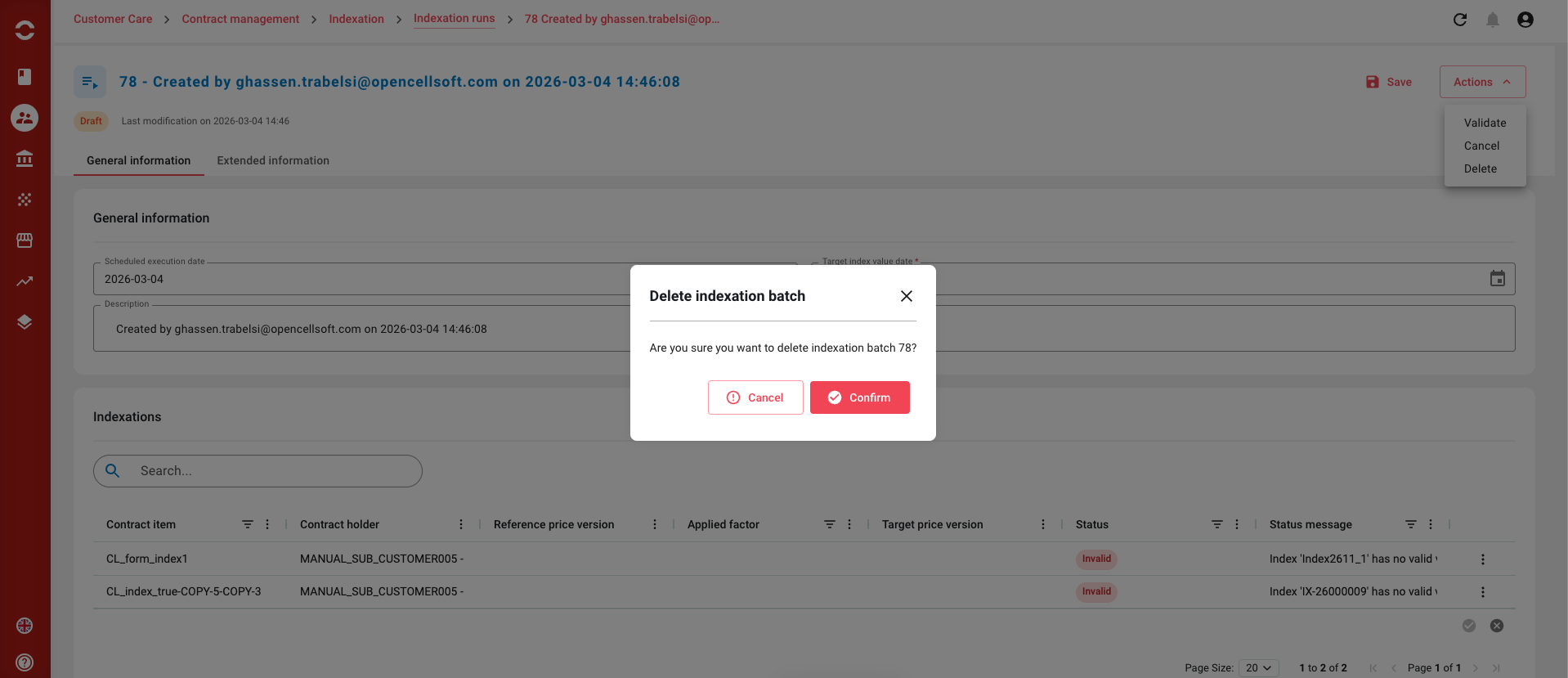
DELETE indexation batch
-
allowed for batches in statuses DRAFT , SCHEDULED , DONE , invalid , FAILED , cancelled
… well… all but running ← 400 “Indexation batch [id=123] in status RUNNING cannot be deleted” / “Le lot d’indexation [id=123] au statut RUNNING ne peut être supprimé” -
Completely deletes the batch and its price indexations
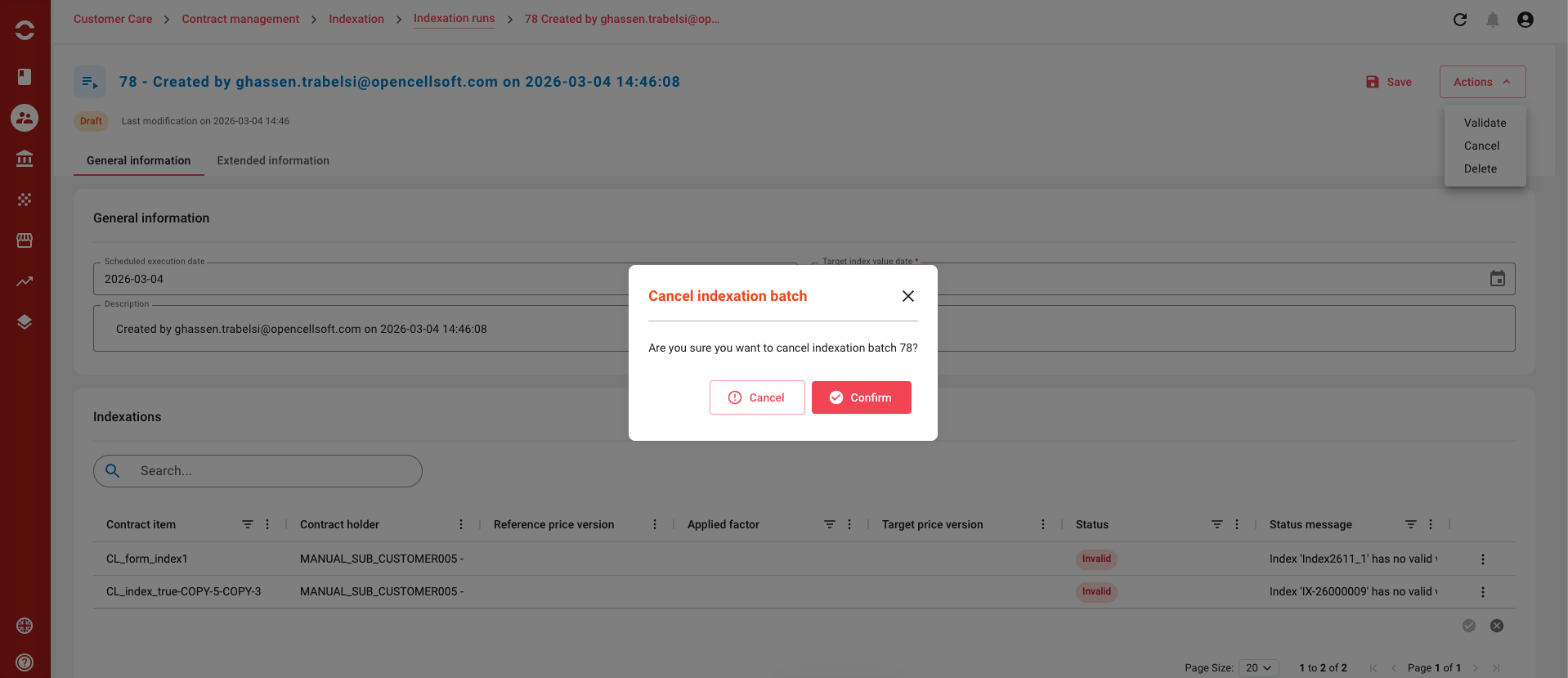
Cancel Indexation batch
-
allowed for batches in statuses DRAFT , invalid , SCHEDULED
-
change status to cancelled
-
a status message can be provided
-
all price indexation lines not already cancelled are cancelled
-
with status message “Indexation batch cancelled”
-
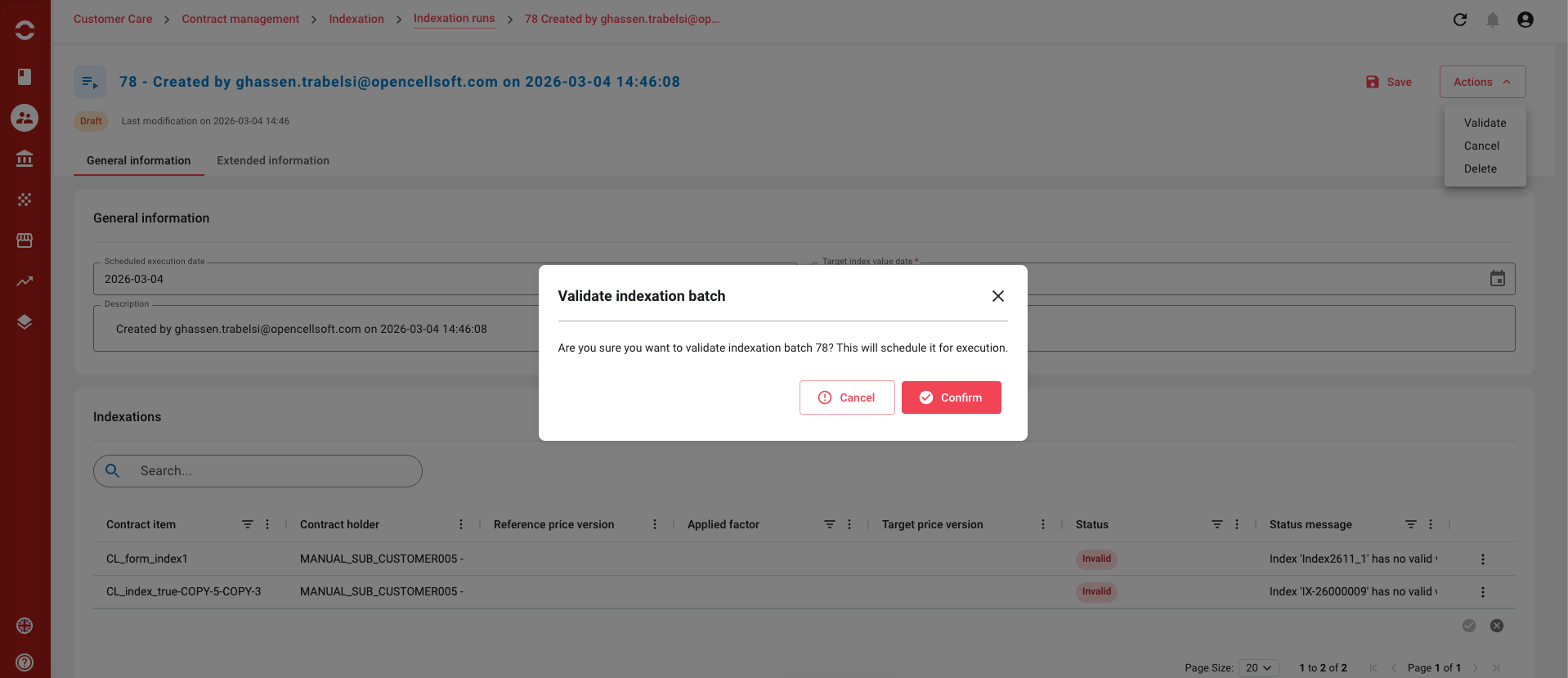
Validate Indexation batch
-
allowed for batches in status DRAFT
-
change status to SCHEDULED
-
all price indexation lines are set to pending
Creating an indexation run
To create a indexation run, you will have to click on the create button that you can find on the upper right corner of the page we have seen above. Once done, you will arrive on the following page :
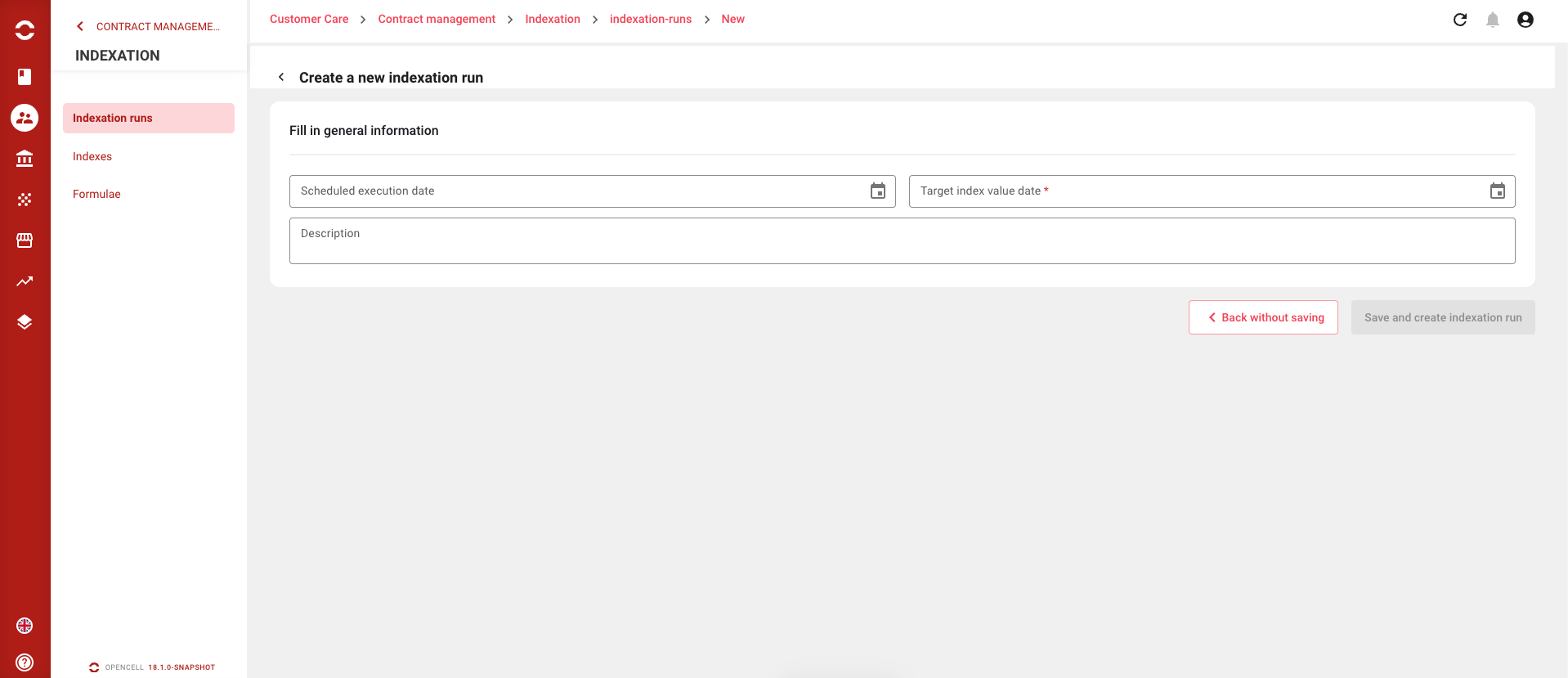
Create your indexation run and save it.
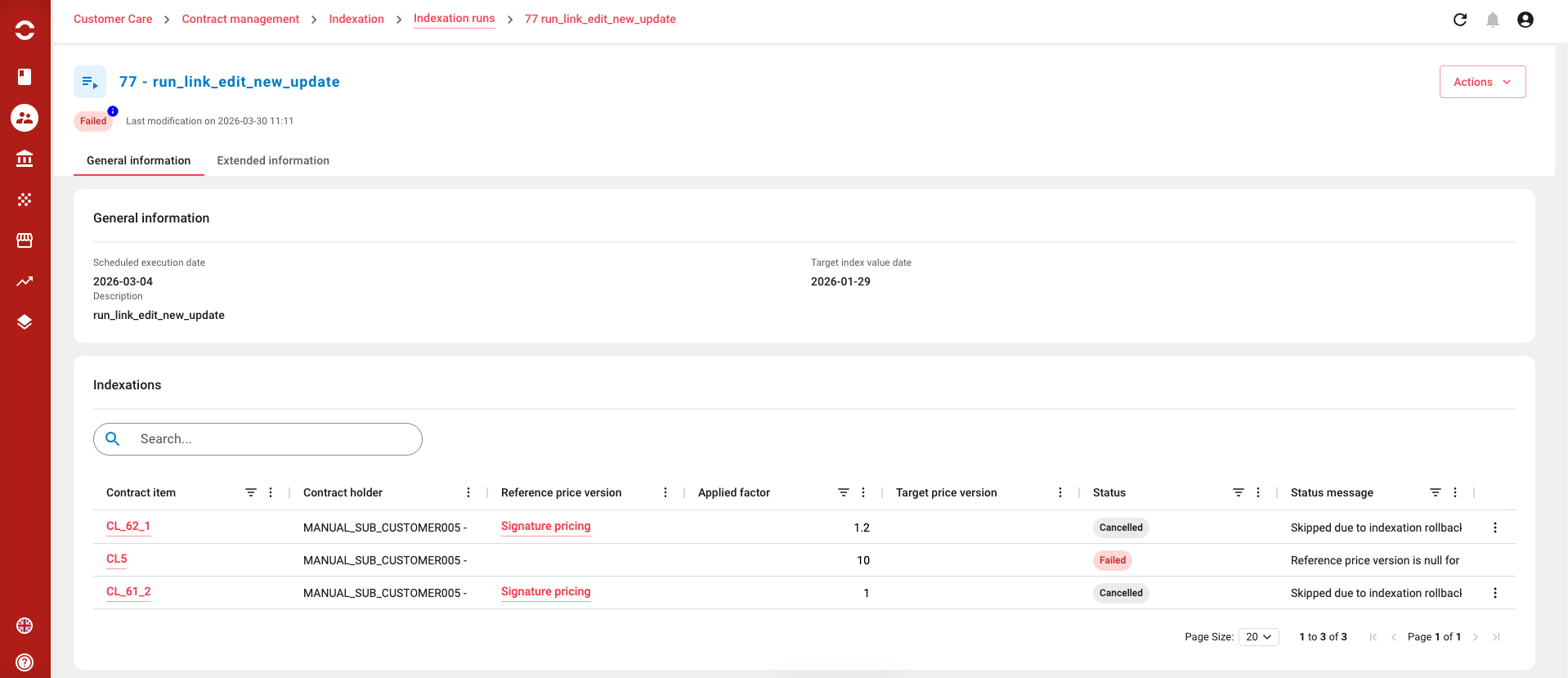
You will be redirected to the following page :
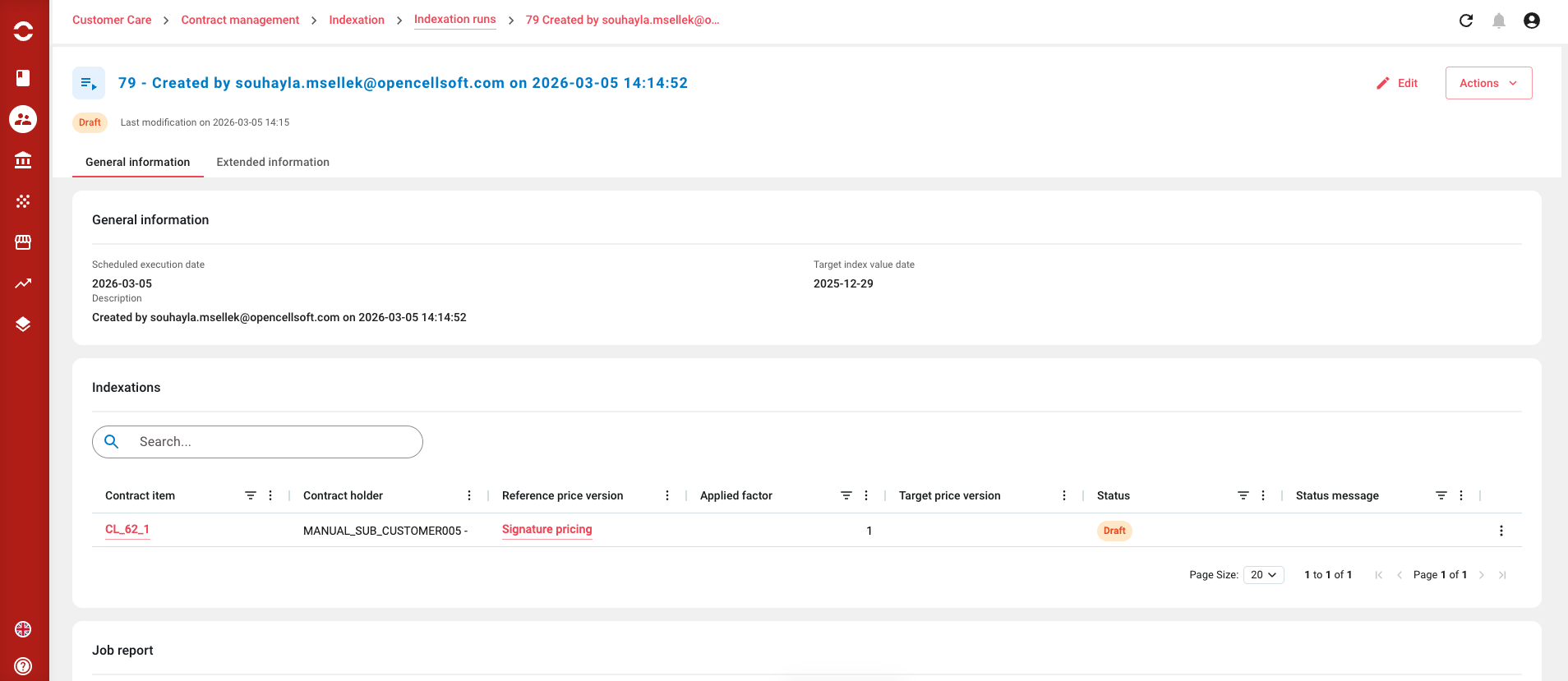
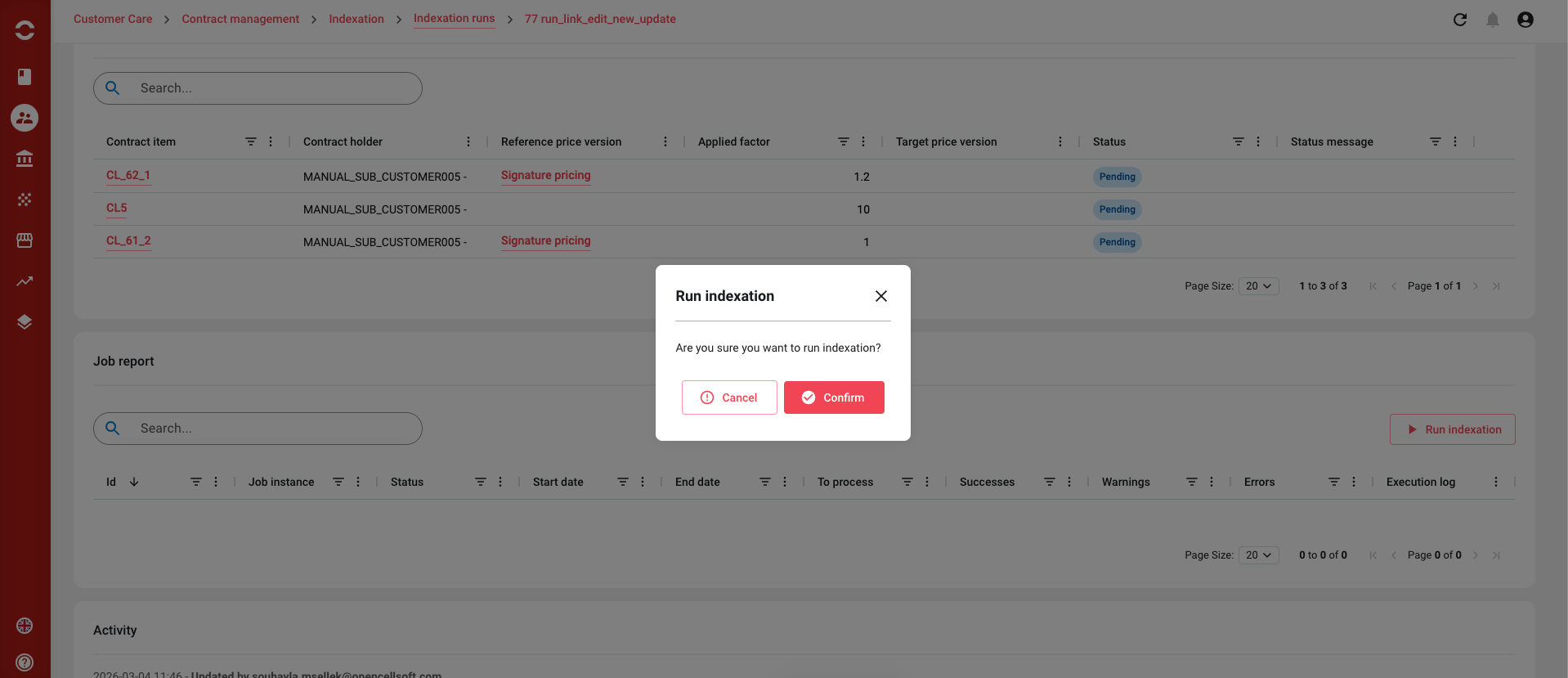
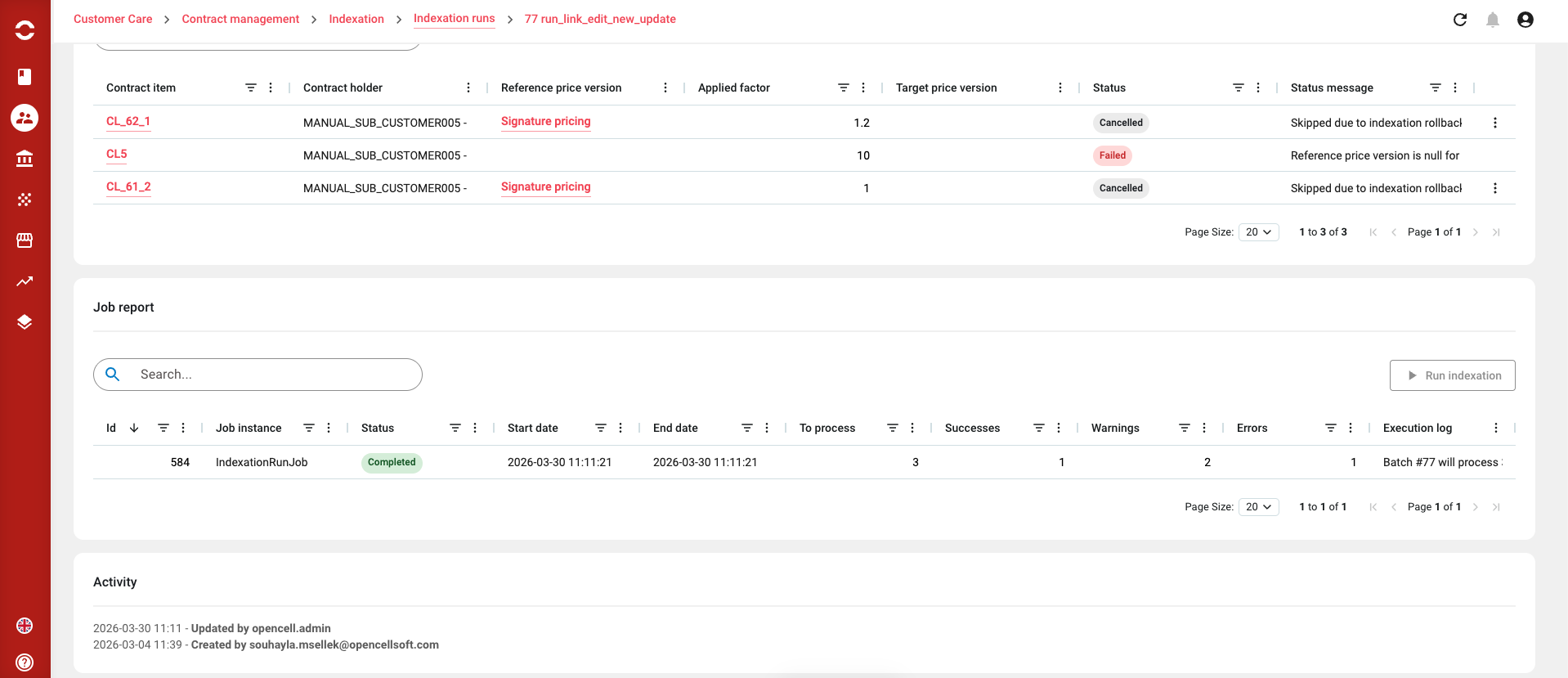
You can now edit your indexation run by clicking the edit button in the top right corner, add an indexation line, and “Run indexation” / “Lancer l’indexation”
-
only if
-
indexation batch status is SCHEDULED , RUNNING
AND -
no instance of the indexation job is running: :
-