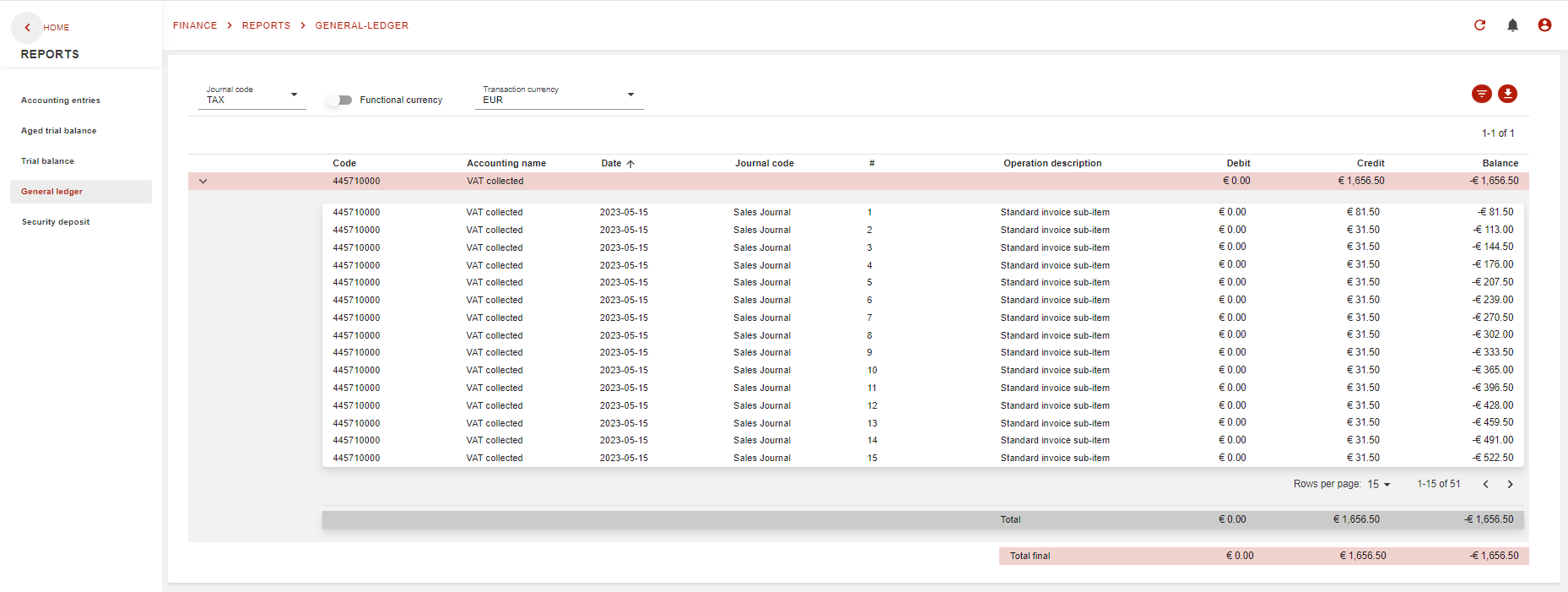
This page will explain where to find, and how to use the Tax journal report.
Introduction
This report will display all journal entries linked to a specific journal: Tax journal (TAX).
Where to find the report?
The sales report is integrated to general ledger report and it’s accessible by a clever filter as below:
On journal code choose TAX as filter:
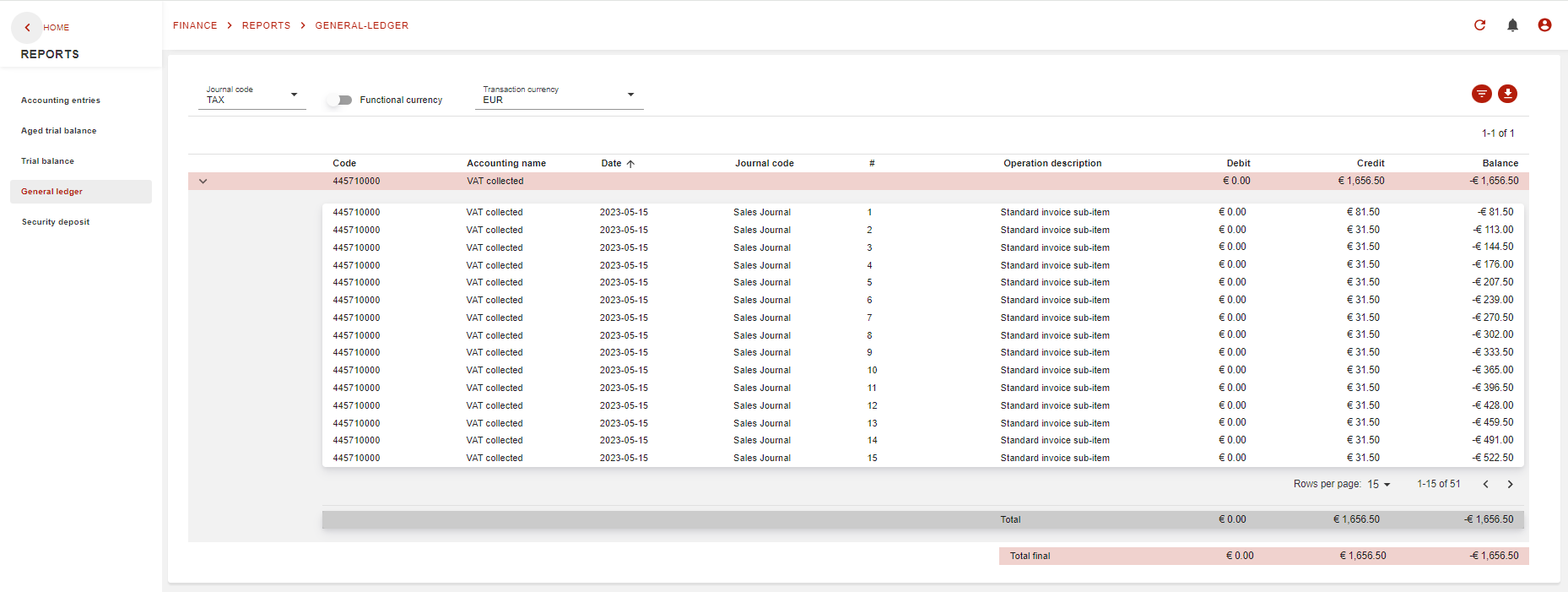
What does the report look like?
All OC’s reports are all the same as GL report which is the master of reports in Opencell. So, all reports will have the sames filters and the same options of exports.